
A bounce spike that appears out of nowhere feels alarming, but it is almost always one of a short list of causes, and each one leaves a fingerprint in the bounce messages themselves. The instinct to keep sending and hope it settles is exactly wrong, because every additional bounce deepens the reputation damage. This guide covers the difference between hard and soft bounces, the real reasons a spike appears suddenly, a triage checklist to stop it fast, and the habits that keep it from happening again.
Hard vs soft bounces, quickly
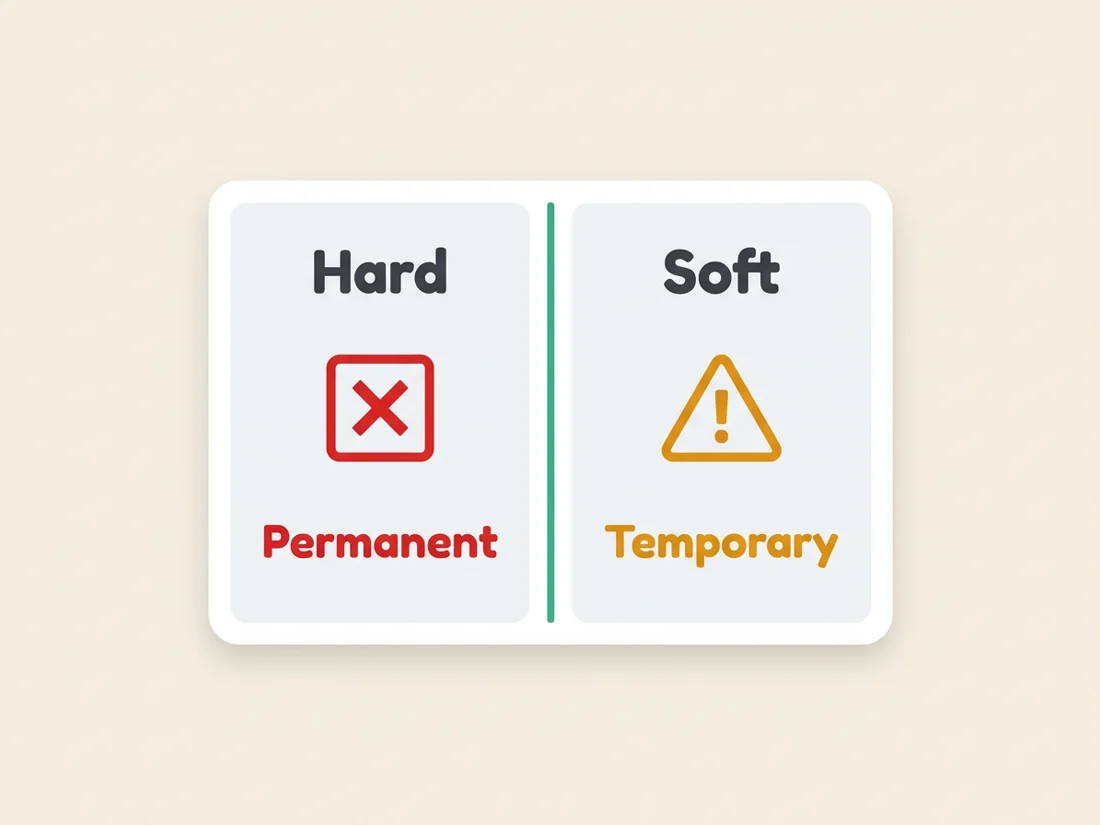
Before you diagnose, read what kind of bounces you are getting, because the two types point at different problems. A hard bounce is a permanent failure: the address does not exist, the mailbox was deleted, or the domain cannot receive mail. You should never send to a hard-bounced address again. A soft bounce is a temporary failure: a full mailbox, a server that is briefly down, a message that is too large, or a provider throttling your volume. A soft bounce may deliver on a later attempt.
The mix tells you a lot. A sudden surge of hard bounces usually means your list has gone stale or was never verified. A surge of soft bounces, especially with rate-limit or deferral language in the SMTP response, usually means the provider is throttling you or your reputation has slipped. Always read the actual bounce message. The SMTP error code and text name the cause far more reliably than any guess.
What causes a sudden bounce spike
When bounces jump overnight, it is nearly always one of these six causes.
- Your domain or IP got blocklisted. A blocklisting can cause an entire provider to start rejecting your mail at once. This is often the cause when bounces spike across many recipients at the same provider simultaneously.
- Provider throttling and rate limits. Gmail, Outlook, and Yahoo cap how much mail they accept from a sender in a window. Push past the limit and they defer or reject the overflow, which shows up as soft bounces with rate-limit language.
- List decay. Addresses go dead over time as people change jobs and close accounts, at a rate of roughly 2-3% per month. An old list that was fine months ago can suddenly bounce heavily, especially right after you import a stale batch. Guessed addresses make it worse, which is why found addresses get verified before anything is sent.
- Authentication broke. If an SPF, DKIM, or DMARC record was changed, expired, or misconfigured, providers can start rejecting mail they previously accepted. A DNS edit is a common trigger.
- Sending too fast. A sharp volume ramp on a mailbox or domain looks like abuse. Providers respond by throttling, which turns into deferrals and soft bounces.
- Spam-trap hits. Hitting spam traps and recycled addresses can get you flagged, and the resulting reputation hit shows up as rejections. Traps are a direct symptom of an unverified list.
The triage checklist
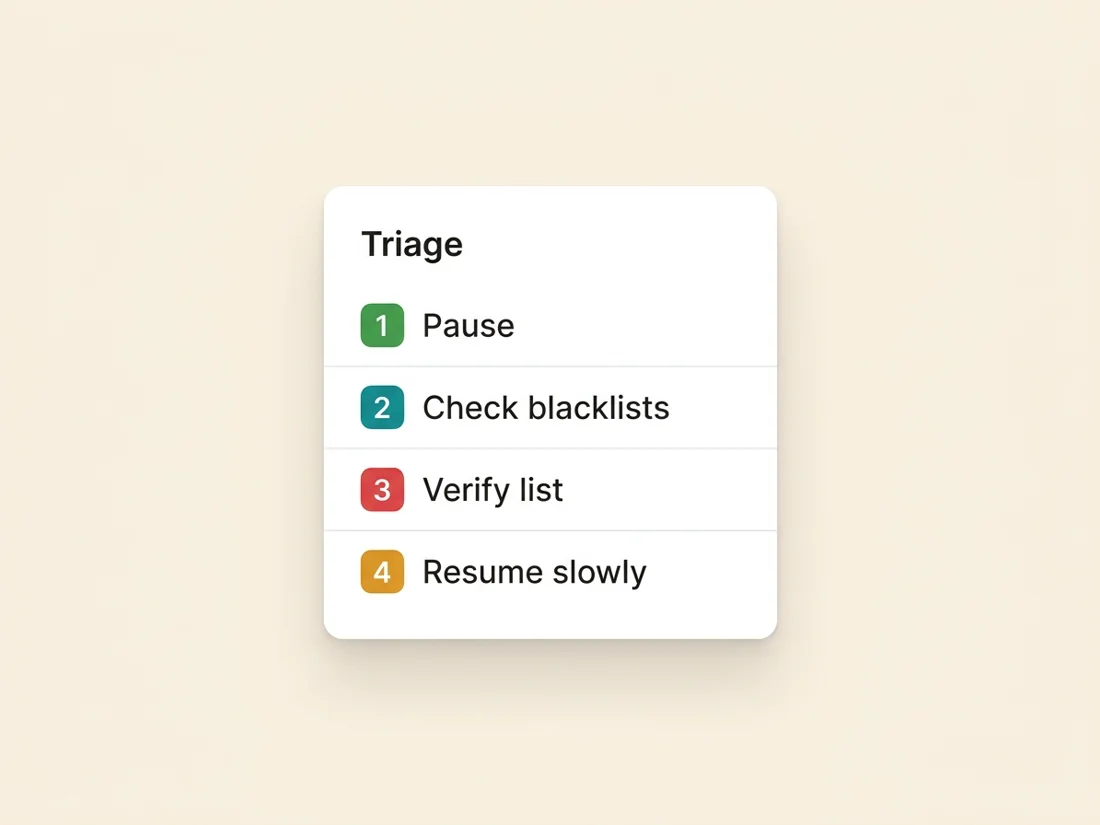
When you see the spike, work this checklist in order. The sequence matters, because pausing first prevents you from digging the hole deeper while you investigate.
- Pause the campaign. Stop sending immediately. Every additional bounce and rejection compounds the reputation damage, so nothing else you do matters until the sending stops.
- Check blacklists. Look up your sending domain and IP against the major blocklists. A fresh listing explains a sudden, provider-wide wall of rejections and needs delisting once the cause is fixed.
- Check authentication. Confirm SPF, DKIM, and DMARC still resolve and align. A recent DNS change is a frequent culprit behind an overnight spike.
- Check volume. Review your recent send rate for a spike that could have triggered throttling. If you ramped hard, that is likely your soft-bounce source.
- Verify the list. Re-run the list through validation to strip dead addresses, risky catch-alls (whose bounces often arrive delayed, after the server first said yes), and known trap patterns before you send another message.
- Slow down. Resume at a lower volume and ramp back up gradually rather than returning to full send at once.
SpamCipher is the cold email platform for unlimited, automated sending, and it makes this triage faster because the pieces live on the same owned pipeline it sends from: blacklist and domain health monitoring flag a listing, DMARC monitoring surfaces a broken record, and list verification cleans the data, all without stitching separate tools together while the bleeding continues.
How to prevent it
A sudden bounce spike is almost always a prevention failure upstream. Four habits, working together, keep it from happening.
Verify before you send. Run every list through validation so dead addresses and traps never go out in the first place. This alone removes the single most common cause of a hard-bounce spike, and it is the cheapest insurance in email.
Warm before you scale. New domains and mailboxes have no reputation, so warm them on a gradual ramp before they carry real volume. SpamCipher runs warm-up on its own seed network so new identities earn a reputation with real engagement rather than being thrown into full send cold.
Throttle your sending. Never spike past safe limits. Spread volume across warmed mailboxes with inbox rotation so no single identity outruns provider rate limits, which is exactly what causes the soft-bounce and throttling variety of spike.
Monitor continuously. Watch domain health, authentication, and blacklists so you catch a broken record or a fresh listing early, before it turns into a wall of bounces. SpamCipher runs all four of these together, which is why bounces stay near zero instead of spiking without warning. Handle prevention upstream and the emergency triage becomes something you rarely need.
Stop the bounces at the source
Verify lists, warm domains on a real seed network, throttle with inbox rotation, and monitor domain health and blacklists, all on one platform with SpamCipher ONE.
Keep your bounces near zero