

Every bounce is the mail server's way of saying it could not deliver your message. Some bounces are final and some are just a temporary hiccup, and treating them the same way is one of the fastest ways to wreck your sender reputation. Here is the difference between hard and soft bounces, why your bounce rate matters so much, and how to keep it low.
What an email bounce actually is
A bounce happens when an email you send cannot be delivered to the recipient's mailbox. The receiving mail server rejects the message and replies to your sending server with a notice, often called a non-delivery report (NDR). That report carries an SMTP status code and a short reason, and it is what your email platform reads to decide whether the failure was permanent or temporary.
Those codes are the tell. Permanent failures come back with a 5xx code (a hard bounce), while temporary failures come back with a 4xx code (a soft bounce). Your bounce rate is simply the share of messages in a send that bounced rather than reached a mailbox. Knowing which kind of bounce you are looking at decides what you should do next.
Hard bounces: permanent failures
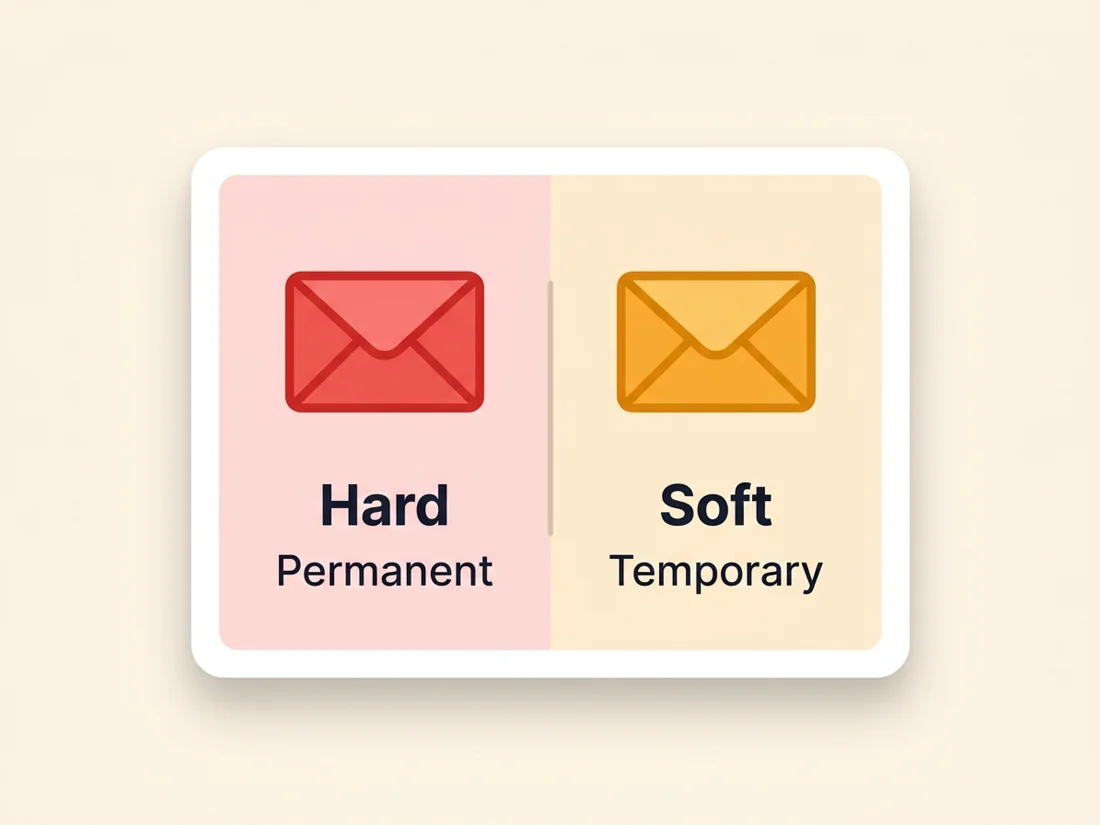
A hard bounce is a permanent failure, which means that address will never accept your mail no matter how many times you try. The usual causes are an email address that does not exist, a mailbox that has been closed, or a domain that is not real or no longer registered (often a typo like "gmial.com").
The rule for hard bounces is simple: remove them immediately and never send to them again. Major sending platforms enforce this for you. When a hard bounce occurs, providers like Mailgun add the address to a suppression list automatically and make no further attempts, because trying again only signals to mailbox providers that you are sending blind. A hard bounce is final, so treat it as final.
Soft bounces: temporary failures
A soft bounce is a temporary failure. The address is real, but something stopped delivery in that moment. Common reasons include:
- The recipient's mailbox is full.
- The receiving server is down, overloaded, or rate-limiting incoming mail.
- Greylisting, where the server deliberately defers a first attempt from an unknown sender and accepts the retry.
- The message is too large for the recipient's limits.
Because the problem may clear on its own, soft bounces are worth a retry. Sending platforms typically attempt redelivery for a window (many keep trying for up to about 72 hours) before giving up. The important part is what you do after repeated failures. If an address soft bounces again and again across several sends, treat it like a hard bounce and suppress it. An address that never accepts mail is dead weight, whatever the status code says. (One note: genuine auto-replies such as out-of-office messages are not bounces at all, even though they can look similar in a busy inbox.)
Why bounce rate matters
Mailbox providers like Gmail, Yahoo, and Outlook watch how your mail performs, and a high bounce rate is one of the loudest negative signals you can send. To them, a sender who keeps hitting invalid addresses looks like someone working from a stale, purchased, or poorly maintained list, and that is exactly the behavior they associate with spammers.
The damage is not limited to the addresses that bounce. A poor bounce rate drags down your sender reputation as a whole, which means even your valid, engaged subscribers start landing in spam or getting blocked. Bounces are also an early warning. Rising bounces often show up before a bigger reputation problem, so watching them closely gives you time to react, and a sudden overnight spike has its own diagnosis path, covered in why emails suddenly start bouncing. If you want the full picture of what shapes your standing with mailbox providers, see our guide to sender reputation.
What counts as an acceptable bounce rate
As a widely cited industry rule of thumb, keep your total bounce rate under about 2%. A rate below that range tells mailbox providers your list is healthy and well maintained. Climb past it and you should treat it as a warning sign; cross 5% and you are in territory that can throttle delivery for your whole list.
This sits alongside the broader bulk-sender expectations that Gmail and Yahoo now enforce, where list hygiene and a low complaint rate are requirements rather than nice-to-haves. Bounce rate is not the only number those providers track, but it is one of the clearest reflections of how carefully you manage your list, so the lower you can keep it, the better.
How to prevent bounces before they happen
The most reliable way to lower your bounce rate is to stop bad addresses from ever entering your list, and to clear out the ones already there. Remember that even a clean list rots on its own: email list decay retires roughly 2-3% of addresses every month, so prevention is a habit, not a one-time fix. A few practices do most of the work:
- Verify addresses before you send. Validation catches obvious format problems (a missing @ or a malformed domain), while verification checks whether the mailbox actually exists and can receive mail. Use a real-time verification API at signup to block bad addresses on the way in, and run a bulk verification pass before any large campaign.
- Use double opt-in. Asking new subscribers to confirm their address weeds out typos and fake sign-ups before they ever cost you a bounce.
- Never buy or rent lists. Purchased lists are full of invalid addresses and spam traps, and they are the single fastest route to a bounce-rate problem and a damaged reputation.
- Set a sunset policy. Decide in advance how many soft bounces an address gets before you suppress it, and retire contacts who have gone quiet for months. For a step-by-step routine, read how to clean your email list the right way.
This is where email validation does its quiet work. Validation handles the syntax so malformed addresses never get sent; verification confirms the mailbox is live so a real message has somewhere to land. Together they head off the bulk of hard bounces before they can touch your bounce rate.
Stop bounces before they cost you
Verify your list and monitor your domain's reputation, all from one place, so bad addresses never reach your bounce rate.
Get started free