

You bought a fresh domain, set up a new sending account, and you are ready to email your list. Stop before you hit send. To a mailbox provider, a brand-new sender is a complete unknown, and sending too much too soon is one of the fastest ways to land in spam. Warmup is how you introduce yourself properly.
Warmup and the cold-start problem
Mailbox providers like Gmail, Yahoo, and Outlook decide where your mail lands based largely on your reputation: a running record of how people react to the email you send. The trouble with a new domain or a new sending IP is that this record is empty. There is no history of opens, no history of low complaints, nothing to vouch for you. That blank slate is the cold-start problem.
Warmup is the process of filling that record in deliberately. Instead of arriving as a stranger sending in bulk, you start with a small, trustworthy trickle and build a track record of good behavior over a few weeks. By the time you are sending at full volume, the providers have already learned that mail from you is wanted.
Why a cold blast gets you flagged
Volume is one of the strongest signals a spam filter watches. A domain that sent zero email yesterday and 50,000 messages today looks exactly like a compromised account or a spam operation, because that is often what such a pattern is. Providers cannot tell the difference from the outside, so they assume the worst and protect their users.
When that happens, your mail does not simply slip into the inbox. Providers respond in a few ways, and none of them are good for you:
- Throttling and deferral. The provider accepts your mail slowly or temporarily refuses it, telling your server to try again later.
- Junking. Your messages are accepted but routed straight to the spam folder, where almost no one sees them.
- Outright blocking. In the worst case the provider rejects your mail entirely.
The damage outlasts the blast. A spike in spam-folder placement and complaints early on stains the reputation you were trying to build, and digging out of that hole takes far longer than warming up properly would have. The same math applies to established senders planning a big moment: a product launch is a volume spike in disguise, and it needs the same ramp discipline a new domain does.
How warmup actually works
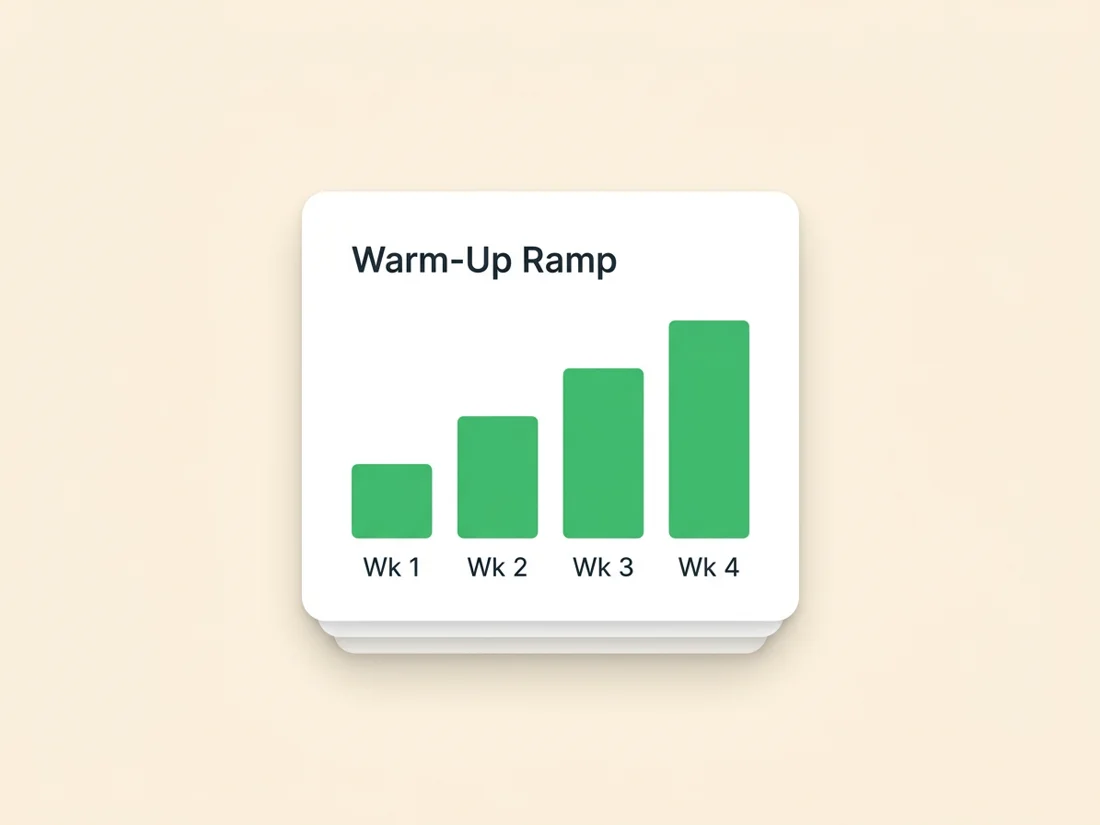
The core idea is simple: start small, aim at the people most likely to react well, and increase steadily. Each step gives the providers a fresh batch of positive signals before you ask them to trust you with more.
Begin with your most engaged recipients. These are the contacts who opened your last few campaigns, clicked, or recently signed up. They are the least likely to ignore you and the least likely to complain, so the early signals you generate are strongly positive. Sending your first messages to a pile of stale, unengaged addresses does the opposite and teaches the filters that your mail is unwanted.
From there you raise the volume gradually and, just as importantly, consistently. Google's own sender guidance stresses that pacing your traffic at steady volumes over several days matters a great deal for a new domain establishing its reputation, and that increasing too quickly can cause delivery problems. Erratic spikes look suspicious even during warmup, so a smooth climb beats a jagged one. If you want the exact numbers rather than the principles, our week-by-week email warm-up schedule lays out daily volumes for every scenario.
Domain warmup vs IP warmup
People use "warmup" to mean two related things, and it helps to keep them straight. Domain warmup builds the reputation of the domain in your From address, which providers track no matter where the mail is sent from. IP warmup builds the reputation of the specific IP address your mail leaves through. A new domain always needs warming. Whether the IP needs it depends on how you send.
Most marketers send through a shared IP pool provided by their email platform, where many senders share the same addresses. Those IPs already carry an established reputation, so there is no separate IP warmup to do. Your job is to warm the domain.
A dedicated IP is different. It is yours alone, which gives you full control but also means it starts completely cold with zero reputation, exactly like a new domain. If you move to a dedicated IP, you have to warm the IP as well as the domain. Dedicated IPs generally make sense only at high, steady volume, which is also the volume needed to keep one warm. Below that, a shared pool is usually the better choice.
An illustrative ramp schedule
There is no single official schedule, and the right pace depends on your list size, your engagement, and how the providers respond. What follows is general guidance, not a guaranteed rule. Treat it as a shape to adapt rather than numbers to obey.
A typical ramp begins with a modest daily volume sent to your most engaged contacts, then increases the daily send step by step over roughly four to eight weeks until you reach your target. Many senders increase by something on the order of a quarter to double the previous day's volume, watching the response at each step. Google's guidance describes a common daily increase in that broad range, depending on the situation. If the numbers feel slow, that is the point: slow and steady is the entire strategy. For a sense of where the ceilings land once you are fully warmed, see our breakdown of cold email sending limits in 2026.
Before you send a single warmup message, get the prerequisites in place:
- Authenticate first. Set up SPF, DKIM, and DMARC before you start so every message is provably yours. Our complete guide to email authentication walks through each record.
- Send a clean, verified list. Bounces and spam traps during warmup are especially toxic. Verify your addresses so you ramp on contacts that actually exist and accept mail.
- Keep the cadence consistent. Send on a regular rhythm rather than in unpredictable bursts.
- Watch complaints and bounces. If either climbs, slow down or hold at the current step until things settle before increasing again.
Warmup tools, and ramping safely
Many email platforms include automated warmup that caps your daily volume and raises the ceiling on a schedule, which takes the manual math off your plate. There are also third-party "warmup" services that exchange artificial messages between seed accounts to manufacture opens and replies. Be cautious with that second category. Gaming engagement with fake interactions can violate provider policies, and it builds a reputation on signals from people who are not your real audience. Reputation earned that way tends not to hold up once you start sending to actual recipients. The honest version of the idea is a warm-up network the platform itself owns, measures, and polices, which is exactly how a seed-network warm-up protects your live campaigns.
However you ramp, the part that keeps you safe is watching the right signals as you climb. That is where SpamCipher fits in. SpamCipher is the cold email platform for unlimited, automated sending, and it warms new domains on the same owned pipeline it sends from, so the reputation you build protects your live campaigns. Our reputation and blocklist monitoring keeps an eye on whether your new domain or IP has landed on any major blocklist and how your sender reputation is trending, so you catch a problem at step three of your ramp instead of after a full blast. Pair that with list verification before you send, and you ramp on a clean foundation while you watch the results.
For the bigger picture on what shapes your standing with providers, see Sender Reputation 101. And because the providers you are warming up to keep raising the bar, it is worth knowing Gmail's 2026 filtering changes before you start.
Ramp with confidence
Verify your list and monitor your domain's reputation and blocklist status as you warm up, all from one place.
Get started free