

For years, open rate was the number everyone watched. Today it can be the most misleading line on your report. If you want to know whether your email is reaching real inboxes, you have to look at a different set of signals. Here are the deliverability metrics that actually mean something, and the ones you can quietly retire.
Why open rate stopped being trustworthy
Apple changed the math in September 2021 with a feature called Mail Privacy Protection (MPP). When it is on, Apple Mail no longer loads your email straight onto the recipient's device. Instead it routes the message through an Apple proxy server that pre-fetches the content, including the tiny tracking pixel that email tools use to register an open.
The result is that an open gets recorded whether or not a human ever looked at the message. The mechanism is unconditional: if the recipient uses Apple Mail with MPP on, the proxy fetches your pixel every time, so every message you send to that recipient reads as opened. Reported open rates therefore drift upward with the share of your list on Apple Mail, and that drift has nothing to do with reader behavior. It is not a small correction you can subtract out either, because you cannot see which opens came from the proxy.
Open rate is not useless, but it is now a soft, inflated signal rather than a precise one. Treat it as a rough trend line, never as proof that your audience is engaged or that your email landed in the inbox.
Delivery rate is not inbox placement
The second trap is reading your delivery rate as a measure of success. Delivery rate tells you how many of your messages the receiving mail server accepted. When a server returns a "250 OK" and takes the message, it counts as delivered. That is all it means.
Inbox placement rate is the number you actually care about: of the messages that were accepted, how many reached the inbox rather than the spam or junk folder. A message that lands in spam is still counted as delivered by your sending platform, which is why a healthy-looking delivery rate can hide a real problem.
The gap between the two can be wide, and it is invisible from the sending side by construction, because your platform has no way to know which folder the receiver chose. Work the subtraction with round numbers to see the size of it: if 97% of your messages are accepted and 75% of those accepted messages reach an inbox, then one in four "delivered" emails is sitting somewhere nobody looks. Put your own measured placement figure in place of the 75% and you get your own hole. What you cannot do is infer it from the delivery number, because that number counts a spam-foldered message as a success. Teams running deliverability across many client domains feel it first, since the gap compounds once per domain.
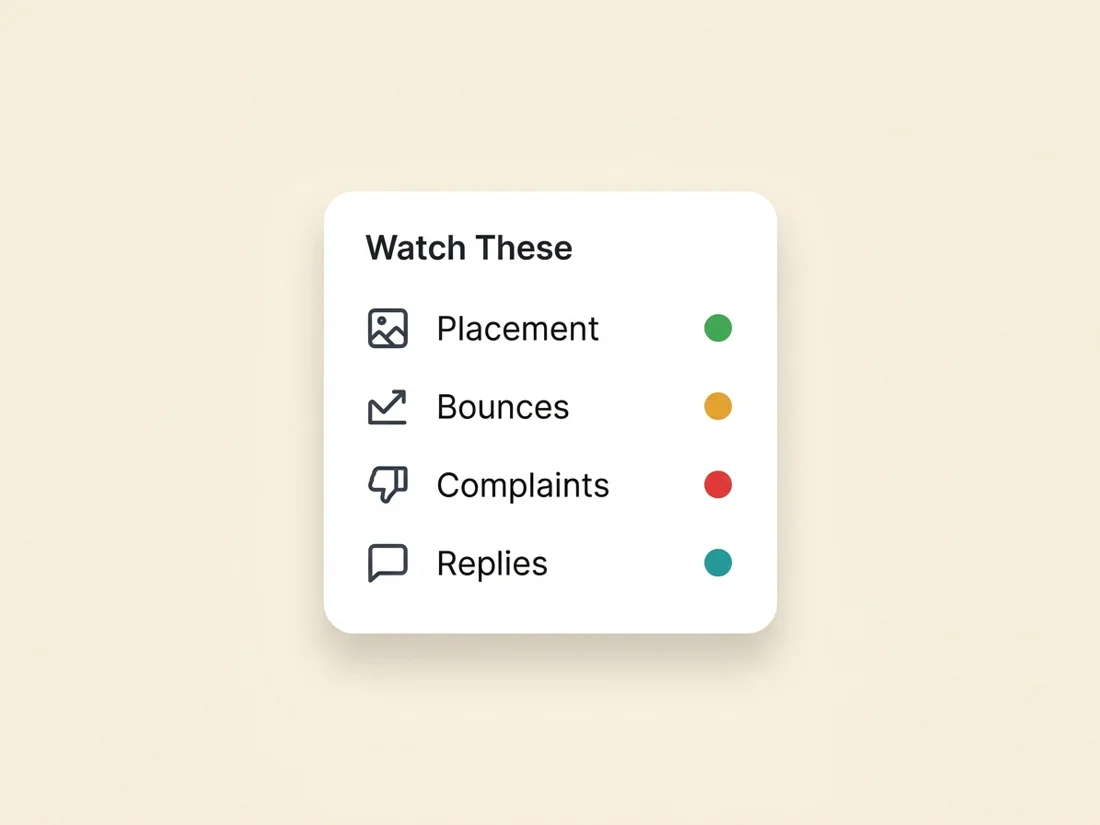
The metrics that actually matter
If open rate and raw delivery rate are out, what should you watch instead? These are the signals that genuinely track your ability to reach the inbox.
- Bounce rate. Hard bounces are permanent failures (the address does not exist), and they hurt most. Soft bounces are temporary (a full mailbox, a server hiccup). No mailbox provider publishes a bounce threshold, so treat this one as an operating guardrail rather than an industry line: we hold senders on our own pipeline to a total bounce rate under 2%, and under 1% once the list has been verified. For the full breakdown, see our guide on hard versus soft bounces.
- Spam complaint rate. This is the rare deliverability number a receiver publishes rather than an analyst estimates. Google tells bulk senders to keep the spam rate reported in Postmaster Tools below 0.3% and to never let it reach 0.3%, with 0.1% given as the figure to aim for [https://support.google.com/a/answer/81126, 2026-08-06]. Run against that line and your deliverability degrades fast.
- Spam-trap hits. Trap addresses exist only to catch senders with poor list hygiene. It can take just one to damage your reputation, so the target is effectively zero.
- Unsubscribe rate. A small, steady unsubscribe rate is normal and healthy. A sudden spike is an early warning that a campaign or list segment is going wrong, often before complaints catch up.
- Blocklist status. Landing on a major blocklist can throttle or block your mail outright. This is a yes-or-no signal you should monitor continuously, not check after delivery has already dropped.
- Authentication pass rates. Your DMARC aggregate reports show what share of your mail passes SPF and DKIM with alignment. Falling pass rates often reveal a misconfigured tool or an attempt to spoof your domain.
- Real engagement. Clicks, replies, and conversions are far harder to fake than opens. They are the truest measure of whether your audience actually wants your email; for outreach senders, reply rate benchmarks are the scoreboard that replaced opens entirely.
Where to find these numbers
No single dashboard holds all of this, which is part of why deliverability feels harder than it should. Here is where each signal lives:
- Your ESP reports cover bounces, unsubscribes, clicks, and basic delivery counts for the mail you send.
- Google Postmaster Tools reports your spam complaint rate, domain and IP reputation, and authentication results for mail to Gmail. Note that its data lags by a day or two, so a bad send shows up after the fact.
- Microsoft SNDS (Smart Network Data Services) gives you complaint rates, spam-trap hits, and filtering signals for mail sent to Outlook and Hotmail.
- DMARC aggregate reports tell you which sources are sending as your domain and whether they pass authentication. If they look intimidating, our walkthrough on reading DMARC reports untangles them.
- Seed or inbox-placement tests are the only practical way to estimate inbox placement, because mailbox providers do not report it to you directly.
How to read them together
No single metric tells the whole story. A clean bounce rate means nothing if half your accepted mail is sitting in spam. A great open rate means nothing if it is mostly Apple proxies. The skill is reading these signals as a set and watching the trend over time rather than fixating on one number on one day.
A simple way to think about it: bounce rate and authentication tell you whether you are technically clean, complaint rate and unsubscribe rate tell you whether people want your mail, and inbox placement tells you whether the mailbox providers agree. When two or three of those start moving in the same direction at once, that is a real trend worth acting on, not noise. The same discipline extends past deliverability into business metrics: product companies should be reading stage transitions like activation and trial conversion the way this article reads bounces, a case made in full in our SaaS email marketing guide.
Watch for the early movers. Complaints and unsubscribes usually tick up before placement falls, and placement usually falls before your engagement numbers crater. Catching the first signal is the difference between a quick correction and a multi-week reputation repair. And when the numbers do slide, resist the classic wrong move: the cause is almost never your platform, as we show in why switching ESPs won't fix your deliverability problems.
Sensible targets, and one place to watch them
Only one of these is a number somebody else publishes. The rest are the guardrails we run our own pipeline to, so treat them as operating targets rather than industry benchmarks:
- Total bounce rate under 2%, and under 1% on a verified list. Our guardrail, not a published threshold.
- Spam complaint rate under 0.3% in Postmaster Tools, ideally under 0.1%. This one is Google's published line [https://support.google.com/a/answer/81126, 2026-08-06].
- Spam-trap hits at zero.
- SPF and DKIM passing with alignment on the overwhelming majority of your mail.
- Inbox placement as high as you can push it, verified by testing rather than assumed.
The hard part is not the targets, it is the chasing them across five separate tools; the case for one system that holds outreach, replies, and reporting together is laid out in our sales engagement platform guide. SpamCipher is the cold email platform for unlimited, automated sending, and it pulls the picture together on the same owned pipeline it sends from: verify your list to keep bounces and trap hits down, monitor your domain's authentication and reputation, read your DMARC reports in plain language, and run inbox-placement tests, all from one view. That is how you catch a problem while it is still a small dip on a chart, instead of after the inbox has already closed.
See the metrics that matter, in one view
Verify your list, monitor authentication and reputation, and test inbox placement, all from a single dashboard.
Get started free