
You have an email address in front of you and one question: is it real? Maybe it is a lead you are about to contact, a signup that looks suspicious, or a contact that has been sitting in your CRM since 2023. This guide covers every way to check if an email address is valid, from manual DNS lookups you can run in a terminal right now to the instant check that answers in about two seconds, and it is honest about what each method can and cannot tell you. We are SpamCipher, an AI-powered sales engagement platform, B2B lead intelligence database, and email deliverability and security suite in one product. Checking addresses before sending is the first habit behind good inbox placement, so we will show you exactly how the checking works, including the parts most tools gloss over.
What one bad address actually costs
Start with why this is worth two seconds of your time, because the cost of guessing wrong is wildly asymmetric. Sending to a valid address costs you nothing extra. Sending to an invalid one generates a hard bounce, and hard bounces are one of the strongest negative signals Gmail, Outlook, and Yahoo track about you. The providers enforce a hard line in 2026: keep bounces under 2% of volume or watch your mail start landing in spam, including the mail to perfectly valid addresses. One dead contact in a fifty-person send is already 2%.
The worse case is the address that is not merely dead but hostile. Providers and blacklist operators recycle abandoned mailboxes into spam traps: addresses that exist purely to catch senders who do not verify. There is no bounce, no warning, just a quiet entry on a blocklist that can take weeks to escape. And even the merely-suspicious address costs you: a disposable inbox will be gone before your follow-up, and a mistyped address means your message reaches a stranger or nobody while you wait on a reply that can never come.
So the real question is not whether to check, it is how thoroughly and how fast. The methods below are ordered from most manual to most automated, and they all try to answer the same underlying question: will a real mailbox accept mail at this address? For the full theory of how the layered checks work, our explainer on what email validation is goes deeper; this piece is the practical how-to.
How to check if an email address is valid manually
You can get a surprising distance with tools already on your computer. Here are the four manual methods, each with what it proves and where it stops.
Method 1: inspect the syntax. Before anything technical, look at the address the way a parser would. Is there exactly one @? Is there a real domain with a dot after it? Are there stray spaces, commas, or doubled dots (john..doe@acme.com is illegal)? Does the local part look like a human pattern (j.doe, jdoe, john.doe) or like keyboard noise? Syntax review catches typos and form-fill garbage, which is a meaningful share of bad addresses, but a perfectly formatted address can still be completely dead. This check filters the obvious; it confirms nothing.
Method 2: confirm the domain resolves. If the domain does not exist, no address on it can be valid. Check it in any terminal:
nslookup acme.comA response with an IP address means the domain exists. An NXDOMAIN or "can't find" response means the domain is unregistered or lapsed, and every address on it is guaranteed to bounce. This takes five seconds and instantly kills a whole class of scraped-list garbage.
Method 3: check the MX records. A domain can exist for a website and still receive no email. Mail delivery requires MX (mail exchange) records, so look them up:
nslookup -type=MX acme.com

acme.com  MX preference = 1,
          mail exchanger = aspmx.l.google.com
An answer like that (this one says Acme's mail is handled by Google Workspace) means the domain is set up to receive email, and as a bonus tells you which provider guards its inboxes. No MX records at all means every message to that domain has nowhere to go: guaranteed bounce, remove the address. On a Mac or Linux machine, dig MX acme.com +short does the same job in one line.
Method 4: the manual SMTP handshake. This is the deepest manual check: connect to the domain's mail server and ask it, in its own protocol, whether the specific mailbox exists. The conversation looks like this (your lines after the connection):
telnet aspmx.l.google.com 25

HELO yourdomain.com
MAIL FROM:<you@yourdomain.com>
RCPT TO:<john.doe@acme.com>

250 2.1.5 OK        ← mailbox exists
550 5.1.1 No such user   ← mailbox does not exist
QUIT
The server's response to RCPT TO is the verdict: a 250 code means it will accept mail for that user, a 550 means the mailbox does not exist. No message is ever sent. This is exactly the core technique professional verifiers use, and trying it by hand teaches you why they exist, because in practice the manual version fails constantly:
- Port 25 is blocked on most home and office networks and every major cloud provider, so the connection often cannot even open.
- Greylisting makes servers answer "try again later" to unknown connections, which reads like a failure but is not.
- Catch-all domains answer 250 to every address, real or not, so acceptance proves nothing there.
- Reputation risk: repeated manual probes from your IP look like an attacker enumerating mailboxes, and providers respond accordingly.
Manual SMTP is worth understanding and occasionally worth doing once, from the right network, for one important address. As a workflow it is a dead end.
Method 5: check the address's footprint. Real addresses leave traces, and the traces are checkable without touching a mail server. Paste the address into a search engine in quotes; a real professional address often appears on a company page, a conference bio, a GitHub commit, or a directory listing. Check Gravatar by looking the address up at gravatar.com; a profile picture means someone registered that exact address at some point. Check the person's LinkedIn against the domain: if their profile says they work at Acme and the address is on acme.com in the same format as their colleagues (first.last, first initial plus last), the odds improve substantially. Even a breach-notification lookup like Have I Been Pwned is weak evidence of existence, since only real addresses end up in breach corpora. None of these prove the mailbox accepts mail today, and absence of footprint proves nothing at all (plenty of real addresses are just quiet), but footprint checks are free, safe, and genuinely useful as a tiebreaker on catch-all domains where the SMTP layer cannot give you an answer.
A related trick: infer the pattern before you check. When you are not sure of someone's address at all, most companies use one pattern for everyone: first.last@, flast@, or first@ for small teams. Find one colleague's confirmed address (from a signature, a press release, a footprint search) and you know the pattern; apply it to your target's name and you have a strong candidate to verify. This is exactly what an email finder automates at scale, pattern inference plus verification in one step, but the manual version works fine for a handful of important prospects.
What about just sending a test email? The tempting last resort is send-and-see. It does answer the question, but at the exact cost you were trying to avoid: if the address is dead you just generated the hard bounce, and if it is a trap you just stepped on it. Testing by sending is paying full price to find out whether something is free. Skip it.
The fast way: an instant 19-point check
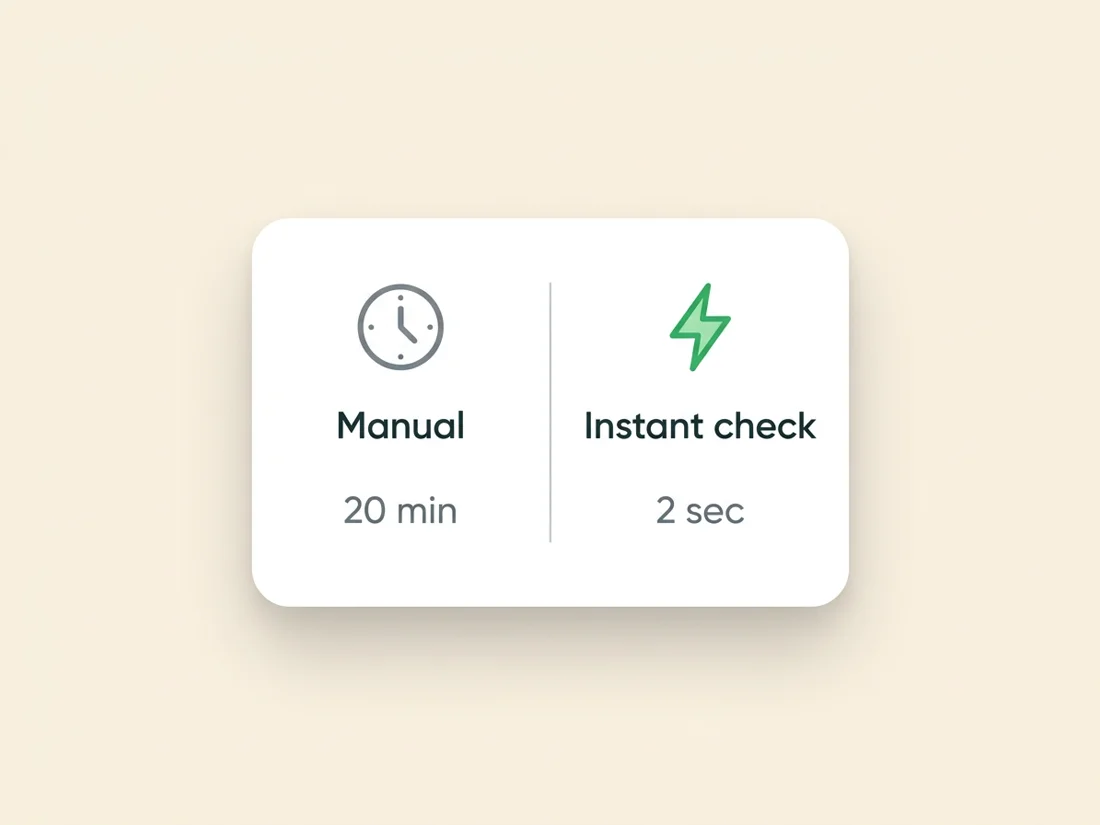
A real-time email verifier runs everything above, plus the checks you cannot do by hand, in one automated pass that returns in about two seconds. SpamCipher's Email Validation runs 19 distinct signals per address; here is what the instant check does that the manual chain cannot.
- All four manual layers, properly. Syntax parsing against the actual RFC rules, DNS and MX resolution, and the live SMTP mailbox conversation, run from infrastructure with clean reputation, open port 25 routes, and greylist retry logic, so the answer comes back reliable instead of "connection refused".
- Catch-all detection. The verifier probes the domain with a deliberately fake address; if the server accepts that too, the domain accepts everything and the individual mailbox cannot be confirmed. The honest result is "risky", not "valid", and knowing the difference is worth the whole exercise.
- Disposable and temporary domain detection against constantly updated lists of burner services. A syntactically perfect address on a ten-minute-mailbox domain is worthless, and only a maintained database catches the new burner domains that appear weekly.
- Role-account flagging: info@, sales@, support@, billing@ reach shared queues, convert poorly, and complain more. Flagged so you can decide, not silently passed.
- Spam-trap and complainer risk scoring from historical data: recycled-domain patterns, known trap networks, addresses with complaint history. This is the layer that protects you from the mistakes that have no second chance.
- Typo suggestions:
jon@gmial.comcomes back not just as invalid but with the likely intended address, which turns a dead lead back into a live one.
Speed matters here for a workflow reason, not a bragging one: a check that takes two seconds happens every time, in the moment, before the send. A check that takes twenty minutes of terminal work happens once, out of curiosity, and never again. The instant check is what makes verification a habit instead of an event, and you can run one address right now in the free checker without an account.
Reading the result: valid, invalid, and everything between
A good check does not return yes or no, because reality has more than two states. Here is every result you will see and exactly what to do with it.
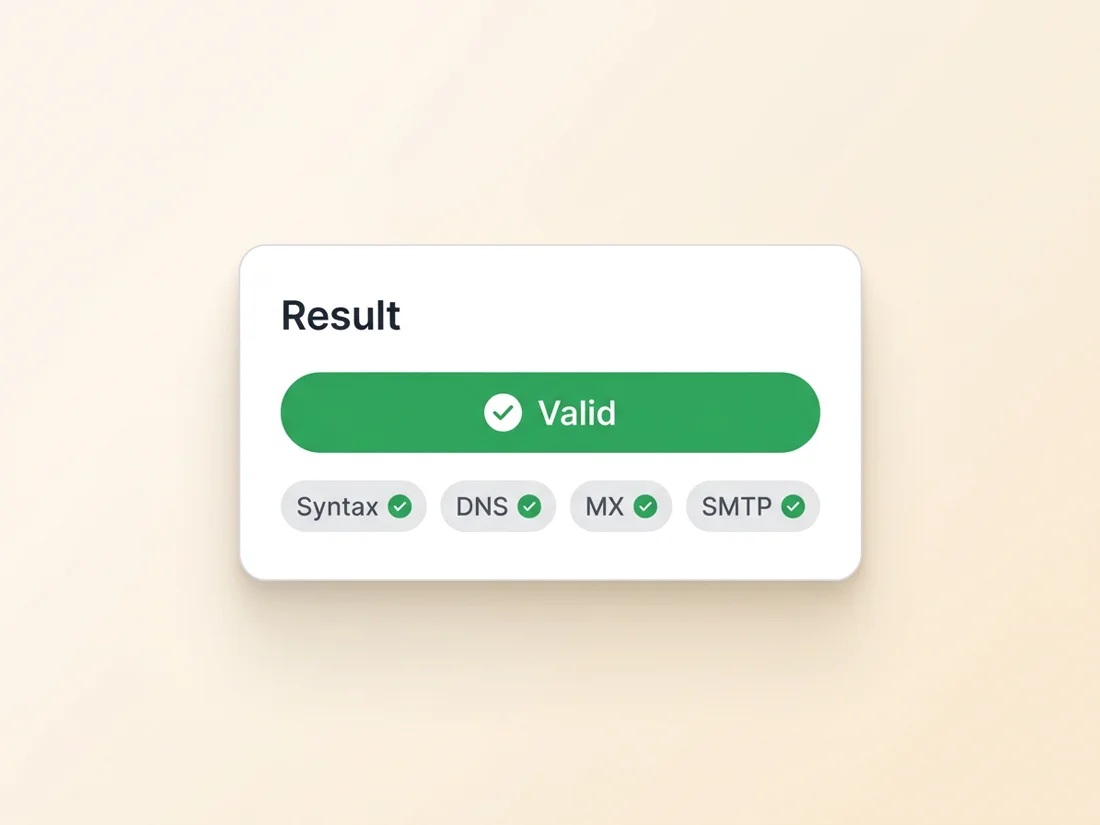
- Valid. The mailbox exists and accepts mail. Send with confidence; this is the only class that should feed a campaign.
- Invalid. Failed syntax, dead domain, no MX, or the server rejected the mailbox. It will bounce, with certainty. Remove it, and if it came from a form, ask the person to re-enter it.
- Catch-all (accept-all). The domain accepts everything, so the individual inbox is unconfirmable from outside. Treat as risky: fine for one important, hand-researched prospect you have other evidence for (their LinkedIn shows the company, the pattern matches colleagues); wrong for bulk sending. Keep catch-alls out of large sends and watch bounces closely on the few you do try.
- Disposable. A burner address that self-destructs. Whatever this signup wanted, a relationship was not it. Remove, and consider blocking disposables at your forms entirely.
- Role-based. A shared inbox, not a person. Keep for transactional or support purposes if relevant; remove from outreach and marketing, where it mostly generates complaints.
- Unknown. The server would not give a definitive answer, usually greylisting or a timeout. Not a verdict. Re-check in a few hours; verifiers with retry logic usually resolve these on their own.
The one-line policy that follows from this: send to valid, remove invalid and disposable, hold everything else for judgment. Applied to a whole list, that policy is precisely how you clean an email list the right way, and it is what keeps you under the bounce ceiling covered in hard versus soft bounces.
From one address to a million
Everything above answers the single-address question. The moment the question becomes "are these five thousand addresses valid," the same checks need different plumbing, and there are exactly three places to install it.
- Bulk validation before every campaign. Upload the list, get it back sorted into valid, invalid, catch-all, disposable, role, and unknown, then apply the policy: send to valid, remove the dead, hold the risky. Run it before every send and re-run anything that sat idle for a month, because lists decay at roughly 2-3% per month and last quarter's clean list is this quarter's bounce risk. The campaign-level case for this ordering is the whole argument of why verification is step one.
- Real-time API at the point of capture. Wire the same 19-point check into signup forms, lead forms, and imports through the real-time validation API, so typos get corrected while the person is still there and disposables never enter your database. Bad data you refuse at the door is bad data you never have to clean, and it is the difference between a list that decays and a list that starts clean and stays close to it.
- An enforced gate inside the sending pipeline. The strongest setup removes the human memory requirement entirely: validation runs as a required stage before a list feeds a campaign, which is how SpamCipher works. Campaign leads that were never checked are verified before the first send at no charge, invalid addresses are caught before they reach a sending mailbox, and every downstream number (placement, replies, reputation) is measured against an audience that actually exists.
That last point is where the single-address question and the platform meet. The benefits of validation compound only when checking is universal, and checking is only universal when the system enforces it. That enforcement, plus warm-up on SpamCipher's own seed network, blacklist monitoring, and seed mailboxes measuring real placement, is why checking sits at the front of everything SpamCipher sends. It all starts with the two-second question this article answers: is this address real? Check it before you send, every time, and the rest of your deliverability inherits the habit.
Check any address in two seconds
Run the full 19-point check on a single address, validate a whole list in minutes, or wire the real-time API into your forms. Verification is 1 credit per address with unknowns refunded, and the 30-day free trial includes 100 bonus credits.
Verify an address free