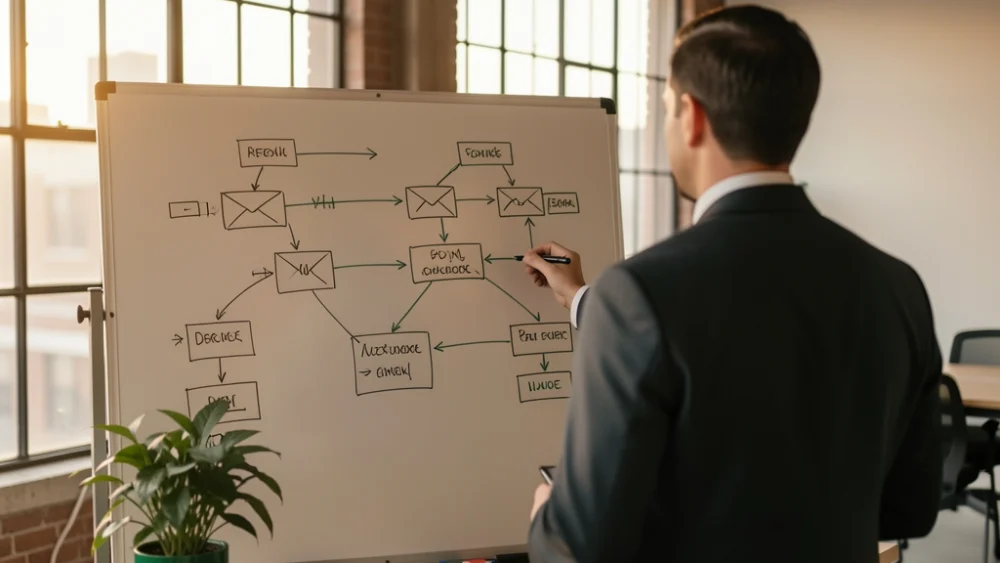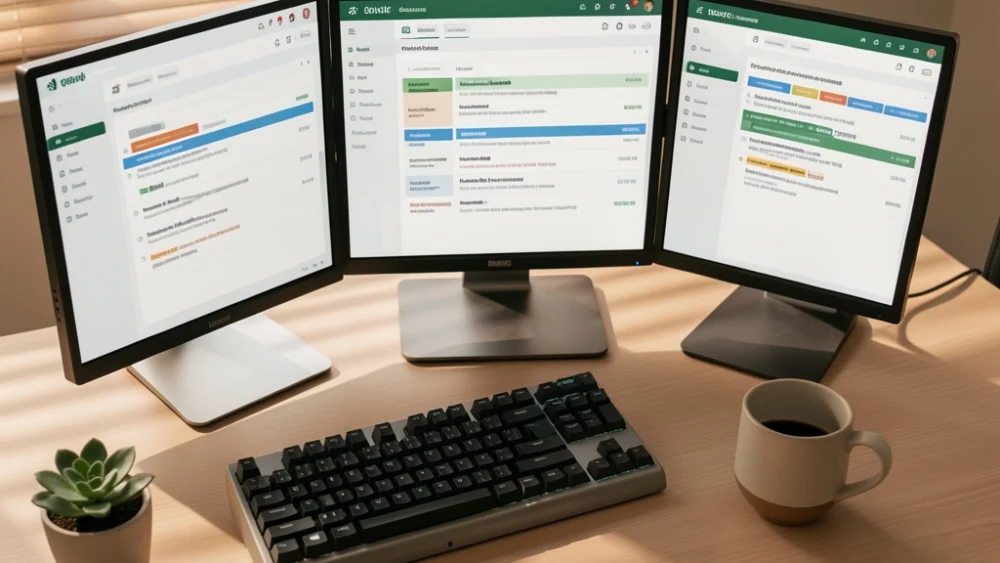
When you send thousands of cold emails, replies become a bottleneck fast. Most platforms optimize for sending, not for what happens after. This guide covers the architecture that actually works: unified inboxes, automatic categorization, and reply-based automation that keeps your team responsive without manual triage.
You scaled sending to ten thousand emails a week. Then the replies hit. Not the volume you expected, maybe three to five percent, but three to five percent of ten thousand is three to five hundred conversations scattered across dozens of mailboxes, and your team is hunting through tabs, missing handoffs, replying from the wrong address, and watching warm leads go cold while someone figures out who owns the thread.
This is the reply handling problem. It is distinct from deliverability, from copy, from list building. It is operational infrastructure, and most cold email stacks treat it as an afterthought. This guide covers how to build reply handling that scales with your sending, what breaks when you do not, and why the architecture matters more than any single feature checkbox.
Why Replies Break at Scale
Reply handling fails predictably as volume rises. The failure modes are not mysterious, but they are usually invisible until they cost you deals.
Mailbox fragmentation. When you rotate across fifty sending mailboxes to protect deliverability, each reply lands in its own inbox. Your team must monitor fifty separate locations, or set up forwarding rules that break SPF alignment and damage the same deliverability you were protecting. Most teams start with manual checking, graduate to forwarding, then discover that forwarded replies lose threading, break DKIM signatures, and train spam filters when the forwarding server modifies headers.
Identity confusion. A prospect replies to the mailbox that sent your sequence. If your team responds from a different address, the thread breaks, trust erodes, and your reply-to header strategy collapses. Worse, some platforms force replies through a central support address, stripping the personal sender identity that made the cold email work in the first place.
Response latency. In our July 2026 scan of 262 founder and e-commerce sending domains, we found that 64.9% had no DKIM record. The operators behind those domains are often the same ones running cold email without reply monitoring infrastructure. They discover replies days late, when the prospect has already moved on. Speed matters: a reply handled in hours versus days is the difference between a conversation and a missed opportunity.
Category blindness. Not all replies deserve equal attention. Out-of-office auto-responses, unsubscribe requests, genuine interest, and angry complaints all arrive as "replies." Without automatic categorization, your team treats them equally, or guesses wrong, or burns hours on auto-replies while interested prospects wait.
Unified Inbox Architecture
The fix is consolidation without forwarding. You need a single interface where replies from all sending mailboxes appear, threaded correctly, with original sender identity preserved.
This requires API-level integration, not forwarding. Forwarding modifies headers, breaks authentication chains, and creates deliverability problems downstream. API access reads the original message intact, preserves DKIM and SPF alignment, and allows two-way sync so replies sent from your unified interface post back to the original mailbox.
What to verify in any platform:
- Native multi-mailbox connection without forwarding rules
- Original sender identity preserved in reply composition
- Two-way sync: replies sent from the platform appear in the source mailbox's sent folder
- Thread reconstruction that handles broken or delayed replies
Some platforms achieve this through OAuth to major providers (Google Workspace, Microsoft 365). Others require IMAP, which is slower and less reliable at scale. The architectural difference matters: OAuth maintains a live connection that surfaces replies in seconds; IMAP polls on intervals, introducing latency that compounds across hundreds of mailboxes.
The unified inbox is not a convenience feature. It is infrastructure that determines whether your reply handling can scale linearly with your sending or becomes a manual bottleneck that caps your volume.
Automatic Categorization and Routing
Volume without categorization is noise. A thousand replies per week, uncategorized, requires a team reading every subject line to find the ten that matter.
Effective categorization uses multiple signals:
- Content analysis: Keywords indicating interest ("interested," "pricing," "call"), unsubscribe language, complaint patterns
- Sender behavior: Multiple opens, clicks, or prior replies elevate priority
- Mailbox type: Personal inboxes versus role addresses, catch-alls versus direct matches
- Sequence position: Replies to later touches often indicate higher intent
Categories should drive routing rules. Interested replies to sales. Unsubscribes to suppression. Complaints to review before any further contact. Auto-reponses to a separate stream that does not alert humans.
The failure mode here is over-categorization. Ten categories with fuzzy boundaries creates confusion. Four to five clear categories with explicit handling rules works better than exhaustive taxonomy that operators cannot remember.
Routing should also respect team structure. Agencies managing multiple client domains need client-level isolation: one client's replies should never appear in another client's view, and team members should only access the clients they are assigned. This is architectural, not cosmetic. Platforms built for single-company use often lack true multi-tenant separation, forcing agencies into workarounds that leak data and complicate billing.
Reply-Based Automation
The best reply handling removes humans from routine decisions entirely. Automation triggered by reply content or category keeps your team focused on conversations that require judgment.
Standard automations that scale:
- Unsubscribe processing: Detect unsubscribe language, remove from all sequences, send confirmation, alert only if the address was a high-value prospect
- Out-of-office handling: Pause sequence for stated duration, resume automatically, surface only if OOO indicates return date has passed
- Positive reply escalation: Detect interest signals, stop further automated touches, assign to specific team member, create calendar task
- Complaint quarantine: Detect complaint patterns, halt all sending to that address across all sequences, alert for human review
Automation requires confidence in detection accuracy. A false positive that pauses sequences for an interested prospect costs revenue. A false negative that continues sending after an unsubscribe complaint damages reputation. Most platforms expose confidence scores or allow manual review thresholds; use them.
The deeper automation layer connects replies to sequence logic. A reply should modify the prospect's position in your outreach program: remove from current sequence, enroll in nurture track, trigger follow-up task, update CRM status. Platforms that treat replies as isolated events, without feeding back into sequence orchestration, leave value on the table.
For agencies, automation must also respect client boundaries. A reply automation for Client A should never reference Client B's sequences or suppressions. This requires true multi-tenant data isolation, not just UI filtering.
Worked Example: Agency Reply Volume
Suppose you run an agency managing cold email for twelve clients. Each client runs three sequences of five touches each, rotating across eight sending mailboxes. You send 40,000 emails per month total, and your reply rate across all campaigns is 4%.
That is 1,600 replies per month, or roughly 53 per business day. Without infrastructure, those replies are distributed across 96 mailboxes (12 clients × 8 mailboxes). Your team would need to check 96 separate inboxes, or maintain 96 forwarding rules, to see them all.
With a unified inbox: all 1,600 replies appear in one interface, categorized automatically. Suppose categorization works as follows:
- 60% out-of-office or auto-response: automated handling, no human review
- 25% unsubscribe or negative: automated suppression, alert for patterns only
- 12% neutral or unclear: queue for human triage
- 3% positive interest: immediate assignment to account owner
Human attention required: 15 replies per day (12% + 3% of 53), not 53. Of those 15, only 2 require immediate response (the positive interest). The rest can be batched.
Without categorization, your team reads 53 replies daily to find the 2 that matter. With categorization and routing, they focus on 15, prioritized, with context. The difference is sustainable scale versus team burnout.
Now suppose one client scales. They add four more mailboxes and double their send volume. Without multi-tenant architecture, their replies contaminate other clients' streams, or require separate logins, or force you to rebuild your workflow. With proper isolation, you add mailboxes to their tenant, their reply volume scales independently, and your team sees the same unified view with client-level filtering.
Deliverability and Reply Handling
Reply handling and deliverability are not separate concerns. Poor reply handling damages the reputation you built with careful sending infrastructure.
SPF lookup limits affect reply routing. If you solve mailbox fragmentation with forwarding, you may add includes to your SPF record for forwarding services. Each include consumes DNS lookups, and SPF permits at most 10. Exceed this limit and authentication fails entirely, not just for forwarded mail but for all mail from the domain. The failure is a permerror returned by the SPF evaluation itself, invisible in casual record review because the limit is consumed by nested includes, not by entries you can count directly.
DMARC policy affects reply visibility. A domain with p=none DMARC publishes a record but enforces nothing. Receivers may still filter replies based on authentication results, and you will have no reporting on whether your replies are reaching their targets. Many operators check DMARC presence, see a record, and assume protection. The policy value determines whether that record does anything.
Reply engagement signals affect sender reputation. When recipients reply to your cold emails, mailbox providers interpret this as positive engagement. But if your reply handling is slow or impersonal, those same recipients may mark subsequent messages as spam, or their replies may bounce if your mailboxes are full or misconfigured. The signal becomes noise, then negative signal.
The owned deliverability pipeline matters here. Platforms that control sending, warm-up, verification, and placement can ensure that reply paths are as clean as outbound paths. Bolt-on reply handling, added to a sending stack you do not control, introduces friction at the handoff.
Operational Checklist for Reply Handling at Scale
These are the specific configurations and checks that prevent reply handling from becoming your bottleneck.
Mailbox hygiene:
- Monitor mailbox storage across all sending addresses; full mailboxes bounce replies and damage reputation
- Set consistent display names and signatures that match your sending identity; reply confusion often stems from identity mismatch
- Configure separate reply-to addresses only if your platform handles the routing; otherwise replies land in unmanaged inboxes
Team workflow:
- Define SLA targets by reply category: positive replies within 4 hours, neutral within 24, auto-responses never
- Assign ownership by client or by vertical, not by mailbox; one person should own all replies for a given prospect relationship
- Build escalation rules for complaints and legal requests; these require documented handling, not just suppression
Technical verification:
- Verify SPF record lookup count before adding any forwarding or reply-handling service
- Check DMARC policy value, not just presence; p=none provides no enforcement
- Test reply threading by sending test sequences and replying from external addresses; verify that your unified inbox reconstructs the conversation correctly
Measurement:
- Track reply-to-meeting rate, not just reply rate; high reply volume with low conversion indicates categorization or handling failure
- Monitor reply latency by category; automation should drive auto-response handling to near-zero, positive reply handling to your SLA
- Audit suppression accuracy: false positives (interested prospects marked unsubscribed) are as costly as false negatives
For agencies, add client-level reporting: reply volume, category breakdown, response time, and conversion rate per client. Clients judge your service on outcomes, not send volume.
How SpamCipher Handles Replies at Scale
SpamCipher is the cold email platform for unlimited, automated sending, built on an owned deliverability pipeline it backs with its own 90%+ inbox placement claim. Reply handling is one instrument in that pipeline, not a separate product.
The platform connects sending mailboxes via API, not forwarding, preserving authentication chains and enabling real-time reply surfacing. All replies from all connected mailboxes appear in a unified team inbox with automatic categorization: interested, unsubscribe, out-of-office, complaint, and neutral. Each category triggers configurable automation: interested replies stop sequences and assign to team members; unsubscribes suppress globally; out-of-office pauses and resumes with date detection.
For agencies, SpamCipher provides true multi-tenant isolation. Each client's mailboxes, sequences, replies, and suppressions are separated at the data layer. Team members access only the clients they are assigned, and client-level reporting shows reply volume, handling time, and outcomes without cross-client contamination.
Reply handling feeds back into sequence logic automatically. A categorized reply modifies the prospect's enrollment status, triggers follow-up tasks, and updates placement in nurture tracks. This closes the loop between outbound and response, rather than treating them as disconnected phases.
The architecture is built for volume without per-reply or per-mailbox metering. Unlimited sending includes unlimited reply handling, because the platform's cost structure does not penalize the conversations that make cold email valuable.
Related Resources
For the sending side of this equation, see how to structure cold email sequences for high reply rates at scale. Sequence design determines reply quality as much as handling infrastructure determines reply throughput.
For agency-specific workflow and team coordination, see agency cold email management with team inbox and reply handling. The multi-tenant and permissioning challenges are distinct from single-company operations.
For deliverability fundamentals that protect your reply path, see how to prevent cold emails from going to spam at scale. Authentication and reputation management create the conditions under which replies can reach you reliably.
Frequently asked questions
See where your domain stands
Run the free SpamCipher check and see exactly which authentication and reputation gaps apply to your sending domain.
Get started free