Email preheader text is the snippet of preview copy an inbox shows right after your subject line, and it is the most neglected line in email. Most senders never write it, so the client fills it with whatever comes first in the message: "View in browser", "Unsubscribe here", or the alt text of a logo. That is prime real estate handed to boilerplate. This guide covers what the preheader is, how much of it each client shows, how to write one that earns the open, and how to control it technically. We are SpamCipher, with unlimited email sending on SpamCipher ONE (every mailbox kept inside its own daily cap), automated cold email sequences and inbox placement tests on our own seed mailboxes; the preheader is one of the cheapest wins in the half of the game you play once your mail reaches the inbox.
What is email preheader text?
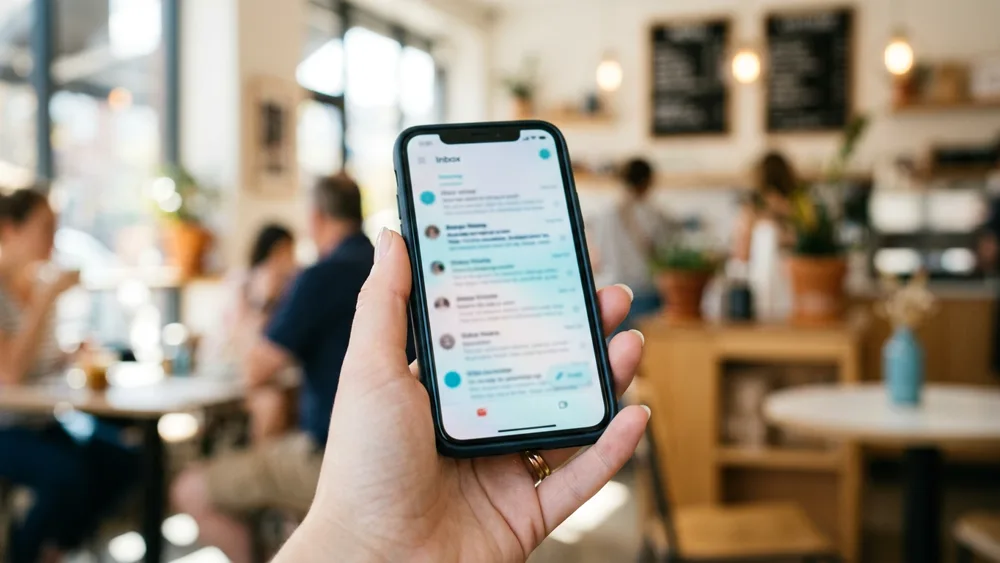
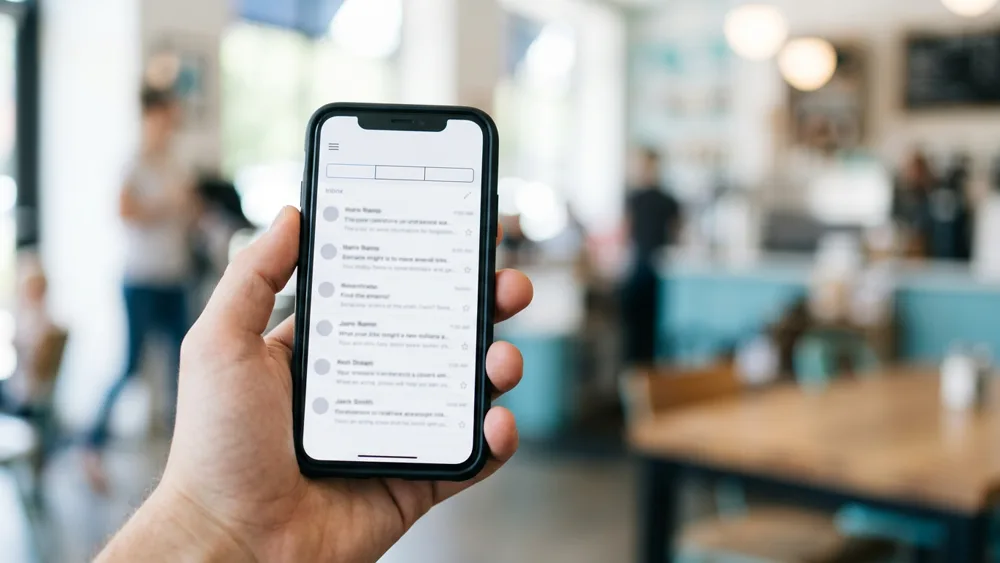
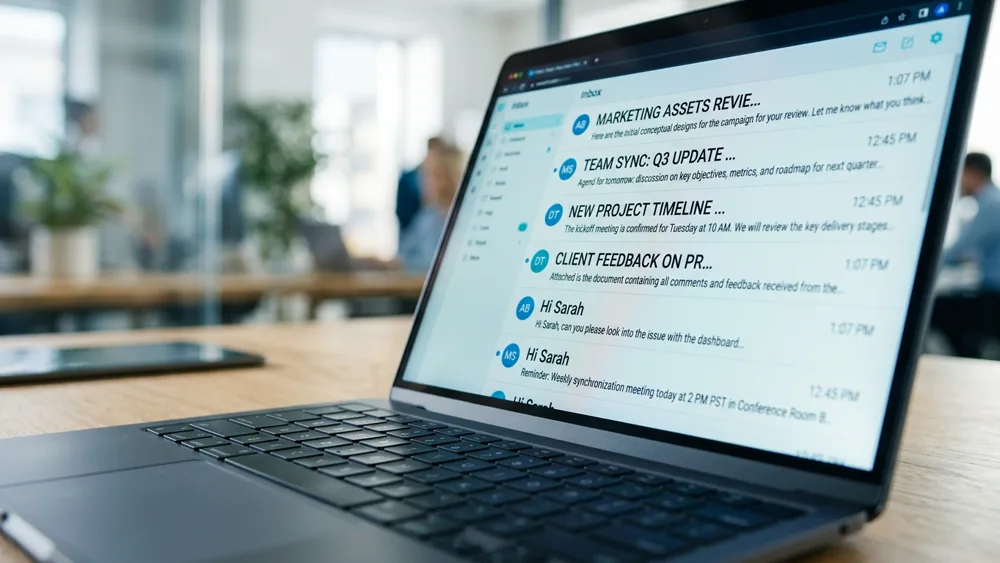
Open any inbox and look at a message row: the sender name, the subject in bold, and then a run of lighter text. That lighter text is the preheader (also called preview text), and the client builds it from the first readable text it finds in your message body. It is not a separate email field in the way the subject is; it is simply the top of your email, excerpted. That is exactly why it goes wrong: if the first thing in your HTML is a "View in browser" link or a logo's alt text, that is what 100% of your recipients see next to your carefully written subject.
Treat the preheader as your second subject line. The subject makes a claim; the preheader gets roughly one more sentence to extend it, add the missing specific, or answer the reader's instant "why should I care". Together they are the only copy most recipients will ever read, because the average open rate means most of your list judges you on those two lines alone.
How much preheader each client shows
There is no single safe length, because every client crops differently and the subject and preheader share the same row of pixels: a longer subject leaves less room for preview text.
- Gmail (desktop list view) shows subject and preview on one line, roughly 100-110 characters combined; the longer your subject, the less preheader survives.
- Apple Mail / iPhone shows the subject on its own line and then one to two lines of preview, typically around 80-90 characters on default settings.
- Outlook desktop shows a shorter snippet, often 40-70 characters, and some corporate configurations show none at all.
The practical rule: put the payload in the first 40 characters of the preheader so every client shows it, and write up to about 90 so the generous clients get a full thought. Like subject lines, front-load and assume the tail gets cut; the same skim logic from our 14 subject line tips applies here word for word.
How to write email preheader text that earns the open
Five rules cover almost every case.
- Extend the subject, never repeat it. The reader just read the subject; echoing it wastes your one extra sentence. Subject: "3 gaps in Acme's sender setup". Preheader: "Two are fixable in DNS this afternoon." Claim, then advance.
- Add the specific the subject held back. The subject earns attention with the promise; the preheader earns the open with the detail: a number, a name, a deadline, an outcome.
- Answer "why now". If the subject says what, the preheader's job is often when or why it matters this week. Timeliness converts skims into opens.
- Keep the register consistent. A conversational subject with a corporate preheader reads like two different authors, which reads like marketing. One voice across both lines.
- No bait here either. The preheader is part of the same contract as the subject: promise only what the body pays. Deceptive preview text generates the same complaints and the same filter consequences as a deceptive subject, a pattern we break down in the content mistakes that quietly send you to spam.
Taking technical control of the preview
Writing a good preheader only helps if the client actually shows it, which means controlling what text comes first in your message.
If your ESP has a preview-text field, use it. Most modern platforms inject the field's content into the right place in the HTML for you, and it is the simplest path.
In hand-built HTML, add a hidden preheader div as the first element inside the body: a snippet of visible-to-the-parser, invisible-to-the-reader text.
<div style="display:none;max-height:0;overflow:hidden;mso-hide:all;">
  Two of the three gaps are fixable in DNS this afternoon.
</div>
Clients read it as the message's first text and use it for the preview, while the rendered email starts with your real content. Senders often pad after it with zero-width or non-breaking space characters so that a client with a long preview window does not run past your preheader into "View in browser" territory. Keep the hidden block short and honest: hiding a paragraph of keyword stuffing from readers while showing it to machines is a spam-filter red flag, not a growth tactic. And remember the preheader is part of your HTML weight and structure, so the rules from email design and deliverability still apply to it.
Preheaders in cold email: your first sentence is the preview
Cold email should be plain text, which means there is no hidden div and no preview field: your first sentence is your preheader. The inbox will show the subject and then the opening words of your message, so those words have to do double duty as preview copy and as the actual first line the reader sees after opening.
That kills the classic cold-email opener. "Hi John, my name is Sarah and I'm reaching out from..." shows the recipient a preview that says, in effect, "this is a pitch from a stranger". Start instead with the line that carries the value: "Noticed Acme's DMARC policy is still p=none." The preview now advances the subject, and the email opens strong when clicked. Write the first sentence knowing it will be judged twice, once in the list view and once in the message, exactly the discipline our how to send cold email guide applies to the whole message.
And the standing caveat applies here too: preview copy only competes once the mail reaches an inbox. Placement comes first, which is the half SpamCipher works on: verified lists, warm-up on a seed network we run ourselves, a Deliverability Agent that throttles or pauses a mailbox when complaints or bounces climb, and seed accounts that measure where a campaign lands across Gmail, Outlook, and Yahoo. SpamCipher is an AI-powered sales engagement platform, B2B lead intelligence database, and email deliverability and security suite in one product, and that is the part of it under every preview line. Measure the inbox with the platform; win the open with these two lines.
Make both lines count
Check how your subject and preheader render, score the message against real filters, and confirm placement with seed accounts before your list sees it. Unlimited sending on ONE (per-mailbox caps), with inbox placement measured on seed mailboxes.
Preview your next send