Every email you have ever received carries a hidden travel log: which servers handled it, when each hop happened, whether it proved its identity, and what the filters thought of it on arrival. Learning to read email headers turns delivery mysteries ("it arrived six hours late", "it says it's from my bank but feels wrong", "why did this land in spam?") into questions with checkable answers. This guide covers how to open headers in every major client, what each field means, and how to use them to debug real problems, with a worked example you can follow line by line. We are SpamCipher, an AI-powered sales engagement platform, B2B lead intelligence database, and email deliverability and security suite in one product; headers are where we look first when anything about delivery needs explaining, and after this article they will be where you look first too.
What email headers actually are
An email is two parts: the body you read, and a stack of metadata lines above it that clients hide by default. Some of those lines were written by the sender's software (From, Subject, Date, Message-ID), and the rest were stamped onto the message by every server that handled it in transit, like a passport collecting border stamps. Crucially, the transit stamps are added in order: each mail server prepends its own Received line to the top of the stack, plus whatever verdicts it reached about the message's authenticity and spam-likeness.
Two properties make headers so useful for debugging. First, they are complete: every hop, timestamp, and authentication check is recorded whether or not anyone intended you to see it. Second, they are partially trustworthy in a knowable way: the lines added by servers you trust (your own provider's) are reliable, while everything the sender wrote can be forged. Reading headers well is mostly about knowing which lines belong to which category, which is exactly how we will walk them below. Ten minutes with this skill replaces years of guessing at delivery problems from the outside.
How to read email headers in every client
Every client can show you the full header; they just bury the option in different places.
- Gmail (web): open the message, click the three-dot menu at the top right of the message pane, choose Show original. Gmail opens a new tab with a summary table (SPF, DKIM, DMARC verdicts up top, which is genuinely helpful) followed by the complete raw source. "Copy to clipboard" grabs the whole thing.
- Outlook (web): open the message, three-dot menu, View then View message source. On Outlook desktop: open the message in its own window, then File → Properties; the headers live in the "Internet headers" box at the bottom (small, but scrollable and copyable).
- Apple Mail (macOS): select the message, then View → Message → All Headers to expand them inline, or View → Message → Raw Source for the complete original.
- Any client, the universal route: save or drag the message out as a
.emlfile and open it in a plain-text editor. A .eml file is literally the raw message, headers first, so this works even from clients that hide everything.
One habit worth forming: when you ask someone to send you "the headers" for a delivery investigation, ask for Show original / raw source, not a screenshot of the From line. The forensic value lives in the parts the client never renders.
For long or gnarly headers, analyzer tools earn their keep: Google Admin Toolbox has a message-header analyzer that renders the Received chain as a hop-by-hop table with computed delays, and several DNS tool suites offer the same parsing. Paste the raw header in and the timestamp arithmetic is done for you. Use them as accelerators, not substitutes; the analyzers parse structure, but the judgment calls in this article (does this path make sense? does this alignment matter?) remain yours, and headers you are investigating for spoofing deserve manual reading, since you are specifically looking for things designed to mislead parsers.
The fields that matter, decoded
A raw header block can run a hundred lines. These are the ones that answer real questions, in the order you should check them.
From versus Return-Path. From is what the recipient sees; Return-Path (the envelope sender) is where bounces go and what SPF actually checks. In legitimate bulk mail they often differ for good reasons (ESPs use their own bounce domains), but the relationship should make sense: a Return-Path on a domain with no connection to the From brand is the classic first clue in both spoofing and misconfigured sending. DMARC alignment exists precisely to police this relationship, as covered in our authentication guide.
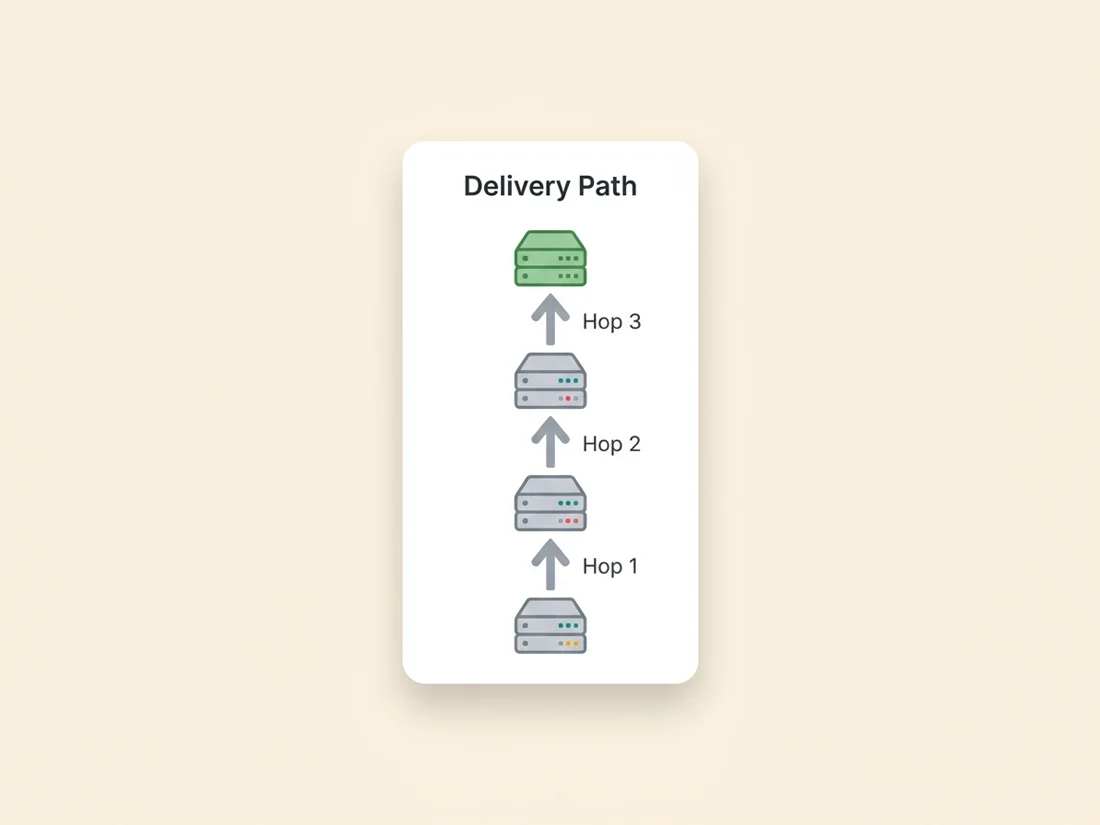
The Received chain, read bottom-up. Because each server prepends its stamp, the bottom Received line is the origin and the top one is your own provider's final delivery. Here is a simplified, realistic chain with annotations:
Received: by mx.google.com with SMTPS id abc123
        for <you@gmail.com>; Wed, 16 Jul 2026 09:14:22 -0700   ← hop 3: Gmail accepts (9:14:22)
Received: from mail.senderplatform.com (mail.senderplatform.com
        [203.0.113.25]) by mx.google.com with ESMTPS
        id xyz789; Wed, 16 Jul 2026 09:14:21 -0700              ← hop 2: platform to Gmail (9:14:21)
Received: from app-server-7.internal (10.0.4.7) by
        mail.senderplatform.com; Wed, 16 Jul 2026 09:14:20 -0700 ← hop 1: origin (9:14:20)
Three things to extract from any chain: the origin (bottom line: which system actually generated this message), the path (does it pass through the servers you would expect for this sender?), and the timestamps (the gap between consecutive hops is where delays hide). A healthy chain traverses in seconds; a six-hour gap between two Received lines names the exact server that sat on the message.
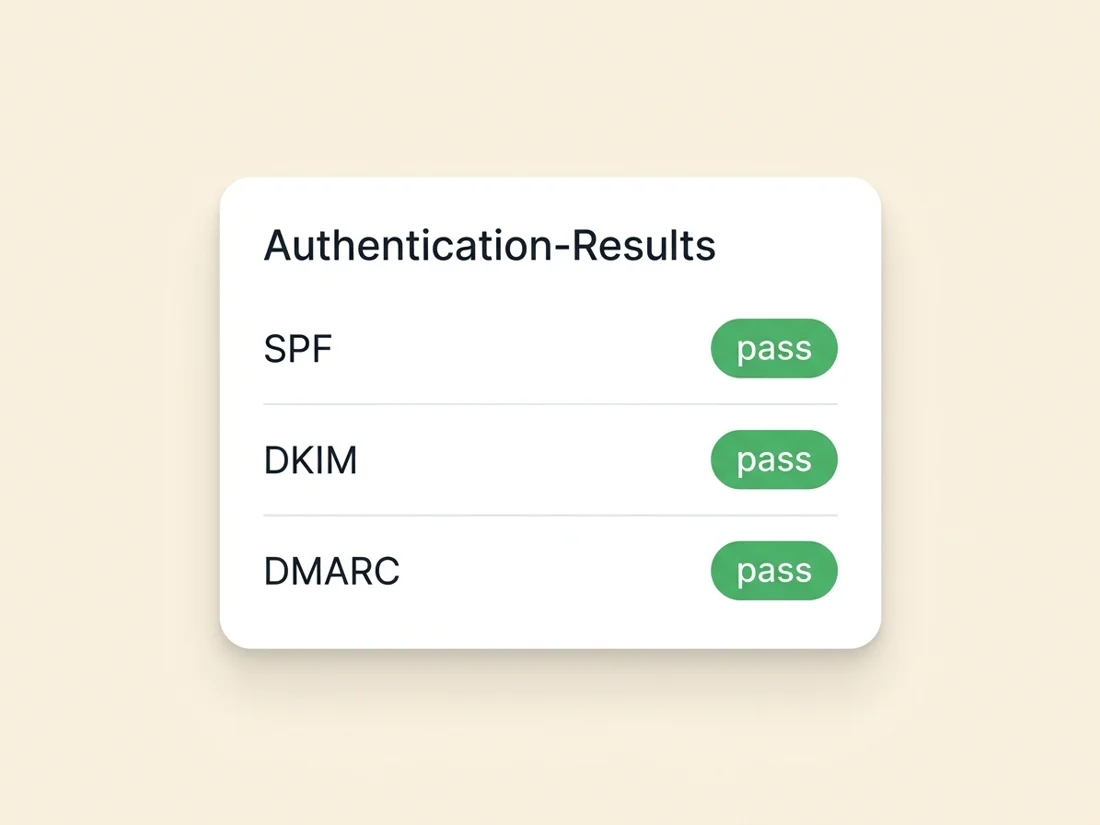
Authentication-Results. The single most valuable line for senders. Your recipient's provider records its identity verdicts here:
Authentication-Results: mx.google.com;
       spf=pass smtp.mailfrom=senderplatform.com;
       dkim=pass header.d=acme.com;
       dmarc=pass header.from=acme.com
Read it as three questions. spf=pass: did the sending IP have permission to send for the Return-Path domain? dkim=pass with header.d=: did the cryptographic signature verify, and which domain signed? dmarc=pass: does at least one of those passing identities align with the visible From domain? That last one is the verdict that matters most, because alignment is what stops a spammer from passing SPF on their own domain while displaying yours. Any fail, softfail, or none here on your own mail is a fix-it-today finding, and the diagnosis workflow continues in reading your DMARC reports.
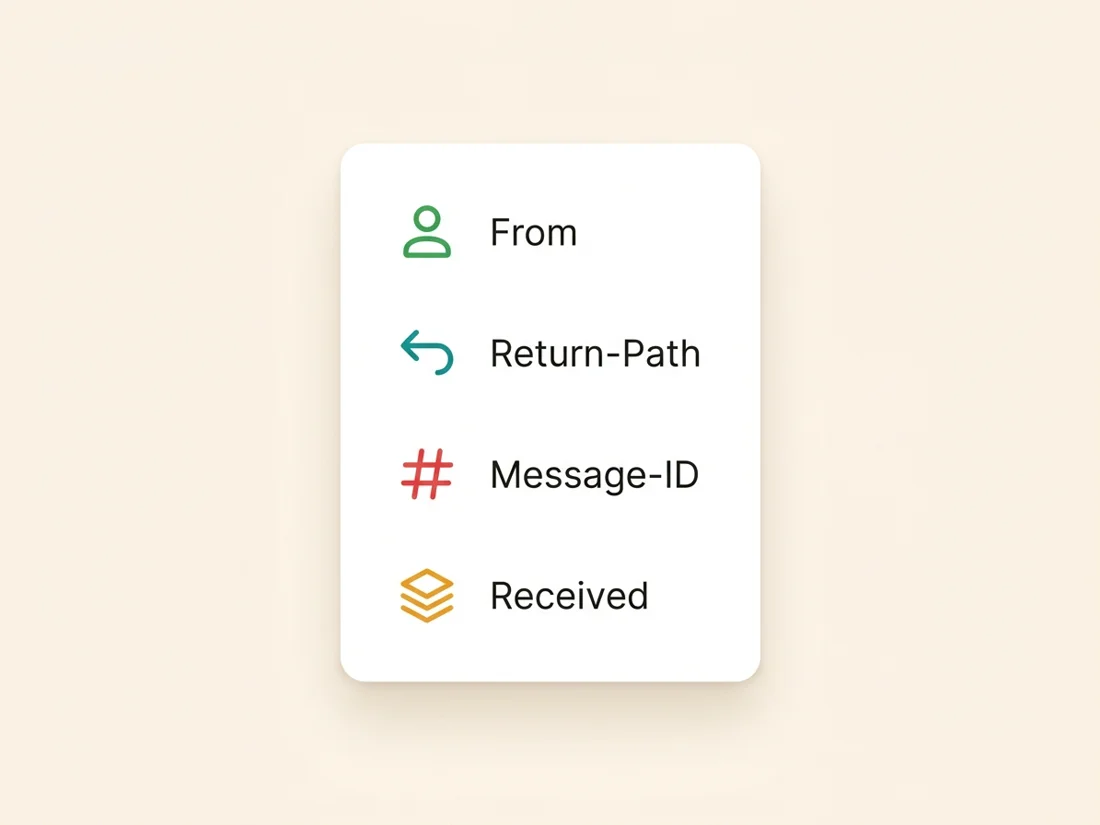
The supporting cast. Message-ID is the message's globally unique fingerprint, stamped at origin; missing or malformed IDs are a bulk-spam tell, and duplicated IDs identify true duplicates when a recipient reports "I got this twice." Date is written by the sender and occasionally lies; compare it against the first Received timestamp, and a large skew means a misconfigured clock or a queued backlog at origin. List-Unsubscribe (and List-Unsubscribe-Post) carry the one-click unsubscribe that the 2024 bulk-sender rules made mandatory; if your marketing mail lacks them, that is a compliance gap visible in every header. And the X- lines are each provider's freeform annotations: spam-filter scores in the style of X-Spam-Status, mailing-list metadata, and on Microsoft-bound mail a spam-confidence annotation that records how their filter scored the message. X-headers vary by provider and are documentation of opinion, not standards, but when your mail is being flagged, the flagging server frequently wrote down why.
A note on forwarded mail and ARC. Forwarding breaks naive authentication: when a university forwards a student's mail to Gmail, or a mailing list relays a post, the forwarder becomes the sending server and SPF evaluated at the final hop fails through no fault of the original sender. The ARC-Authentication-Results headers exist for exactly this case: each intermediary records the verdicts it saw and cryptographically seals them, so the final receiver can trust that the message authenticated properly before forwarding mangled it. If you see failing verdicts on forwarded mail alongside passing ARC seals, the mail is likely fine; if you see neither, the failure is real. For senders, mysterious DMARC failures concentrated on a handful of recipients are very often this forwarding pattern, and ARC in the headers is how you confirm it.
A worked debugging walkthrough
Here is how the pieces combine on a real complaint. A customer writes: "Your invoice email arrived at 4 p.m. but it says you sent it at 9 a.m., and it went to spam." Open the header and answer three questions in order.
- Where did the time go? Walk the Received chain bottom-up and difference the timestamps. In our case: origin stamp 09:02, your ESP's outbound stamp 09:03, recipient gateway stamp 15:58. The delay lives in one gap, between your platform handing off and the recipient's gateway accepting, which usually means greylisting or throttling at the receiving edge: their server told yours "try again later," repeatedly. That is a reputation symptom, not a network fault.
- Did we authenticate? Check Authentication-Results:
spf=pass,dkim=pass, butdmarc=failbecause the DKIM signing domain was the ESP's default, not yours, so nothing aligned with your From. There is the spam placement: unaligned mail plus throttling history reads as untrustworthy. - What did the filter say? The gateway's X-header annotation shows a high spam score with a rule name referencing DMARC failure, confirming the diagnosis rather than guessing at it.
A second thirty-second case, because it comes up constantly: "I received your newsletter twice." Open both copies and compare Message-ID. Identical IDs mean one send that was duplicated downstream (a forwarding rule, a client sync quirk), which is the recipient's plumbing, not your sending. Different IDs mean your platform genuinely sent twice (a re-triggered automation, an overlapping segment), which is your bug to find. One field, and the investigation is routed to the right owner immediately.
Fix: sign DKIM with your own domain so DMARC aligns, then rebuild sending reputation so the greylisting stops. One header, complete diagnosis, no folklore. Compare that with the usual alternative (blaming the ESP and migrating, which as we covered in email deliverability problems would have changed nothing) and you see why header literacy pays.
Read email headers to spot spoofed mail
The same skills run in reverse when a suspicious message lands in front of you. Work the checklist:
- Authentication-Results first:
dmarc=fail(or no DMARC evaluation at all) on mail claiming to be from a major brand is the loudest alarm available, because every serious brand authenticates. Note the reverse is not proof of safety: a scammer's own look-alike domain can pass all three checks for itself, so also read which domain passed (header.d=,header.from=). - From versus Return-Path versus Reply-To: a From showing your bank, a Return-Path on a random domain, and a Reply-To pointing somewhere else entirely is the classic phishing triangle; replies and bounces go where the attacker can read them.
- The bottom of the Received chain: mail "from your IT department" that originates at a residential or foreign hosting IP has told you everything. The origin server cannot be faked away, because the stamps above it were written by servers the attacker does not control.
- Display-name games: the header shows the true address behind a friendly display name ("IT Support <random123@freemail.example>") that the client's rendering may have hidden.
This defensive reading is also why authentication is worth doing properly as a sender: recipients, gateways, and increasingly automated tooling run exactly these checks against your mail, and the brands that pass cleanly earn visible trust marks on top, up to and including the Gmail blue checkmark.
What headers cannot tell you
Honest limits, because header literacy fails people who over-read them. Headers record the receiving story up to acceptance: hops, verdicts, timestamps. They do not tell you the one thing senders most want to know: which folder the message landed in. A header with three green passes can still be sitting in spam; acceptance and placement are different decisions, and the placement decision is written down nowhere you can see. Headers also cannot show you mail that was rejected outright (no delivery, no header to read; that story lives in your bounce logs and DMARC aggregate reports), and the sender-written fields (From, Date, Subject, Message-ID) prove nothing by themselves, since anyone can type anything before the first trustworthy stamp. Two smaller blind spots round out the honest list: headers never reveal BCC recipients (the copy each blind recipient gets simply omits the others, by design), and they say nothing about what happened after delivery, so opens, reads, and forwards all live outside the log.
That placement blind spot is exactly why seed testing exists: send to controlled mailboxes across Gmail, Outlook, and Yahoo, and observe the folder directly instead of inferring it, the method behind seed-based inbox placement testing. In SpamCipher the two live together: headers and continuous DMARC monitoring show your identity layer stays clean, inbox placement tests on seed mailboxes measure where mail actually lands, and warm-up and blacklist monitoring keep both trending the right way. That loop, measured rather than assumed at every stage, is how we work on delivery. Learn to read the travel log, and pair it with a system that reads the destination.
See the whole delivery story
Headers show the route; seed accounts show the folder. Run both sides: continuous authentication monitoring plus measured placement by provider, with DMARC monitoring and inbox placement tests in one platform.
Check your authentication