
Every bounce message contains a precise, machine-readable explanation of exactly what went wrong, and almost nobody reads it. SMTP error codes are the receiving server speaking to you in its own language: this mailbox does not exist, this inbox is full, your reputation failed our bar, slow down. Learn to decode them and every bounce becomes a diagnosis instead of a mystery. This is the reference guide: how the code system works, what every common code actually means, the correct action for each one, and the spike patterns that reveal upstream problems before they become emergencies. We are SpamCipher, an AI-powered sales engagement platform, B2B lead intelligence database, and email deliverability and security suite in one product, with unlimited email sending on SpamCipher ONE (every mailbox kept inside its own daily cap), automated cold email sequences and inbox placement tests on our own seed mailboxes; our Deliverability Agent acts on bounces as they come in, and this article explains the codes behind them in plain language.
Why bounce messages are worth reading
When a receiving mail server rejects or defers your message, it does not just refuse silently; the SMTP protocol requires it to answer with a numeric code and usually a human-readable explanation. That reply rides back to you inside the bounce notification (the non-delivery report), buried under headers most people never expand. It is the single most honest signal in email: filters may hide their reasoning and providers may publish vague guidelines, but the rejection line tells you, at the moment of failure, which specific rule you hit.
Reading codes matters for a second reason: the wrong reaction to a bounce is expensive in both directions. Retry a permanently dead address and you generate repeat bounces that compound the reputation damage the first one caused; give up on a temporarily deferred one and you lose mail that would have delivered an hour later. The entire discipline of hard versus soft bounce handling is really just acting correctly on these codes, and acting correctly starts with knowing what they say.
How SMTP error codes work
There are two code systems layered together in a typical rejection, and decoding both takes about a minute to learn.
The basic three-digit code comes from the original SMTP standard. The first digit is the verdict: codes starting with 2 mean success, 4 means a temporary failure (the server suggests trying again later), and 5 means a permanent failure (do not retry; something is definitively wrong). The second and third digits add rough detail, but the first digit carries the decision that matters.
The enhanced status code (from RFC 3463) is the dotted triplet that usually follows, like 5.1.1 or 4.2.2. It reads class.subject.detail: the class repeats the temporary/permanent verdict (4 or 5), the subject names the problem area (1 is addressing, 2 is mailbox, 7 is security and policy), and the detail pinpoints the specific condition. So 5.1.1 decodes as permanent failure, addressing problem, bad destination mailbox: the user does not exist. A full rejection line looks like this:
550 5.1.1 The email account that you tried to reach
does not exist. Please try double-checking the
recipient's email address for typos.
Three-digit verdict, enhanced triplet, human explanation. Once you can parse that shape, every bounce in your log becomes legible.

Here is the shape of a real bounce notification with the parts labeled, because knowing where to look is half the skill. Somewhere in the non-delivery report you will find a block like this:
Final-Recipient: rfc822; jane.doe@acme.com
Action: failed
Status: 5.1.1
Remote-MTA: dns; aspmx.l.google.com
Diagnostic-Code: smtp; 550-5.1.1 The email account
that you tried to reach does not exist.
Five lines, everything you need: Final-Recipient names the address that failed, Action gives the verdict, Status carries the enhanced code, Remote-MTA tells you which server rejected it (useful for spotting gateway-versus-mailbox rejections at corporate domains), and Diagnostic-Code preserves the raw SMTP reply with its explanation. When a bounce seems mysterious, skip the boilerplate apology text at the top of the notification and scroll to this block; the machine-readable section never editorializes.
Temporary vs permanent: the split that decides everything
Every correct bounce reaction flows from the first digit. A 4xx response is the server saying "not right now": the mailbox is over quota, the server is busy, you are being rate-limited, or a greylisting filter wants to see whether you retry like a legitimate sender. These map to soft bounces: the address is not dead, and a sane retry schedule (spaced over hours, then a day or two, then giving up) recovers most of them. A 5xx response is the server saying "never": the account does not exist, the domain will not accept this mail, policy has rejected you. These map to hard bounces: suppress the address immediately and everywhere, because every retry is a fresh negative mark against your sending reputation with that provider.
The one wrinkle worth knowing: some providers deliberately answer with 4xx codes for what are effectively permanent decisions (greylisting unknown senders, or softly deferring mail they distrust), and a few return 5xx for conditions that later clear. This is why bounce handling uses the enhanced code and the text, not just the first digit, and why repeated 4xx failures on the same address across multiple sends should eventually be treated as a hard failure. The classification logic is mechanical, which is exactly why it should be automated rather than manual.
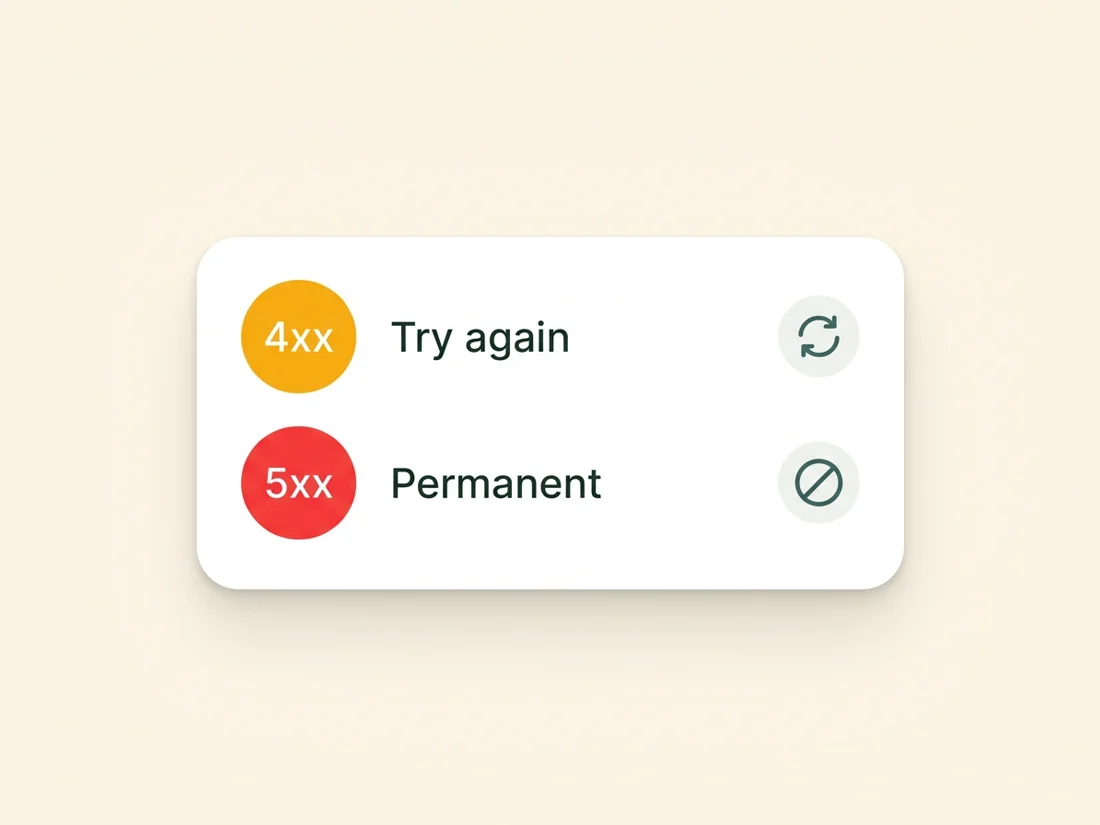
The SMTP error codes decode list
These are the codes senders actually meet, each with what it means and what to do. Keep this section bookmarked; it is the fastest path from a confusing bounce to the right action.
421 (often 4.7.0): service not available, try again later. The receiving server is throttling you, is temporarily overloaded, or has soft-blocked your connection while it evaluates your reputation. Action: back off and retry with reduced sending speed. A burst of 421s during a large send is the provider telling you your volume ramp is too aggressive; slow the campaign rather than pushing through, because pushing through converts throttling into blocking.
450 (4.2.0 / 4.7.1): mailbox unavailable or action not taken. Frequently greylisting: the server wants to see a patient retry before accepting mail from an unfamiliar source. Action: retry on schedule; legitimate mail almost always delivers on the second or third attempt. Persistent 450s across days suggest your IP or domain is on the receiving server's local suspicion list.
451 (4.3.0): local error in processing. Something failed on their side: a filter timeout, a backend hiccup, occasionally a DNS problem resolving your domain. Action: retry later. If 451s persist for a specific domain only, check that your own DNS (SPF records especially) resolves quickly and correctly, since some receivers defer mail when your authentication lookups time out.
452 (4.2.2): insufficient storage, mailbox full. The recipient's inbox is over quota. Action: retry over a few days, then treat repeated full-mailbox bounces as a decay signal; an inbox that stays full for weeks is an inbox nobody reads, and it belongs in your re-engagement or sunset flow rather than your active list.
550 5.1.1: user unknown. The single most common hard bounce: the mailbox does not exist, because it never did, because of a typo, or because the person left. Action: suppress immediately, everywhere, permanently. And treat every 5.1.1 as a process failure as well as an event, because validation before sending catches these addresses without spending your reputation on the discovery.
550 5.2.1: mailbox disabled. The account exists but has been deactivated or frozen. Action: suppress. Some providers use this for accounts dormant so long they are candidates for recycling into spam traps, which makes continuing to mail them doubly dangerous.
552 5.2.2: mailbox full (permanent form). Same condition as 452 but delivered as a permanent rejection by servers that have decided the quota situation is not changing. Action: suppress from active sends and route through re-engagement logic if the contact matters.
550 5.7.1: delivery not authorized, message refused. The policy rejection, and the one that should raise your pulse: the receiving server accepted that the mailbox exists and refused your mail anyway, because of your IP or domain reputation, a blocklist entry, or content the filter would not pass. Action: this is not an address problem, it is a sender problem. Check blocklists, review recent complaint and bounce trends, and audit what changed; the full triage is in diagnosing email deliverability problems.
550 5.7.26 (and friends 5.7.23-5.7.25): authentication required or failed. Increasingly common since the 2024 bulk-sender rules: your mail failed SPF, DKIM, or DMARC alignment and the receiver now rejects rather than quarantines. Gmail's versions of these messages name the failing mechanism explicitly. Action: fix the DNS records, not the list; our authentication guide covers every record, and until alignment passes, expect these rejections to continue across all recipients at strict providers.
553 (5.1.2 / 5.1.3): bad destination address syntax. The address itself is malformed: illegal characters, a mangled domain, an import artifact. Action: suppress and fix the source of the malformed data; syntax-invalid addresses in a send queue mean something upstream is skipping even the cheapest validation layer.
554 (5.0.0): transaction failed, blanket rejection. The catch-all refusal some servers use for anything from blocklist hits to content filtering, often with the real reason only in the text portion. Action: read the human-readable line carefully; 554s frequently include a URL pointing at the receiving provider's postmaster page explaining the block and its remedy.
Provider flavor notes. The big providers wrap these standards in their own prose. Gmail's rejections tend to be verbose and specific, naming guideline categories and linking to sender documentation; its authentication failures state plainly which mechanism failed. Outlook and Microsoft 365 lean on throttling language ("has exceeded the rate limit", connection deferrals) and policy text referencing their sender requirements, and corporate gateways in front of Microsoft tenants often return terse 550s with vendor-specific reason strings. The decode discipline is identical everywhere: verdict digit, enhanced triplet, then the text for the specifics.
What a proper pipeline does with each class
Nobody should be reading rejection lines one at a time at volume; the correct reactions are mechanical, and a serious sending pipeline executes them automatically.
- Hard failures (5.1.1, 5.2.1, 553) suppress instantly and globally. The address exits every list and sequence the moment the bounce lands, so no second send ever repeats the damage.
- Soft failures (450-452) retry on exponential backoff, then convert to hard after repeated failures across sends, so full mailboxes and greylists get their fair chances without becoming permanent reputation leaks.
- Throttle signals (421 storms) slow the machine itself. When a provider starts deferring in bulk, the correct response is reducing send rate to that provider in real time, not queueing retries at the same pace that triggered the deferrals.
- Policy and auth rejections (5.7.x) page a human. A 5.7.1 or 5.7.26 spike is never about one recipient; it means reputation, blocklist, or DNS trouble that affects everything, and it deserves an alert, not a log entry.
This is the division of labor inside SpamCipher: campaign leads that were never checked are verified before the first send, which keeps most of the 5.1.1 class out of a campaign, and the Deliverability Agent acts on bounces, complaint spikes and placement drops by throttling or pausing the mailbox, then re-checks the same signal. The codes still get read; they just get read by the platform as they arrive.
One accounting habit completes the setup: track your code distribution per receiving provider, not just in aggregate. A 1% overall bounce rate can hide a 6% rate at Microsoft domains behind a clean Gmail number, and provider-level splits are where the earliest reputation warnings appear, usually a full campaign or two before the aggregate figure moves at all.
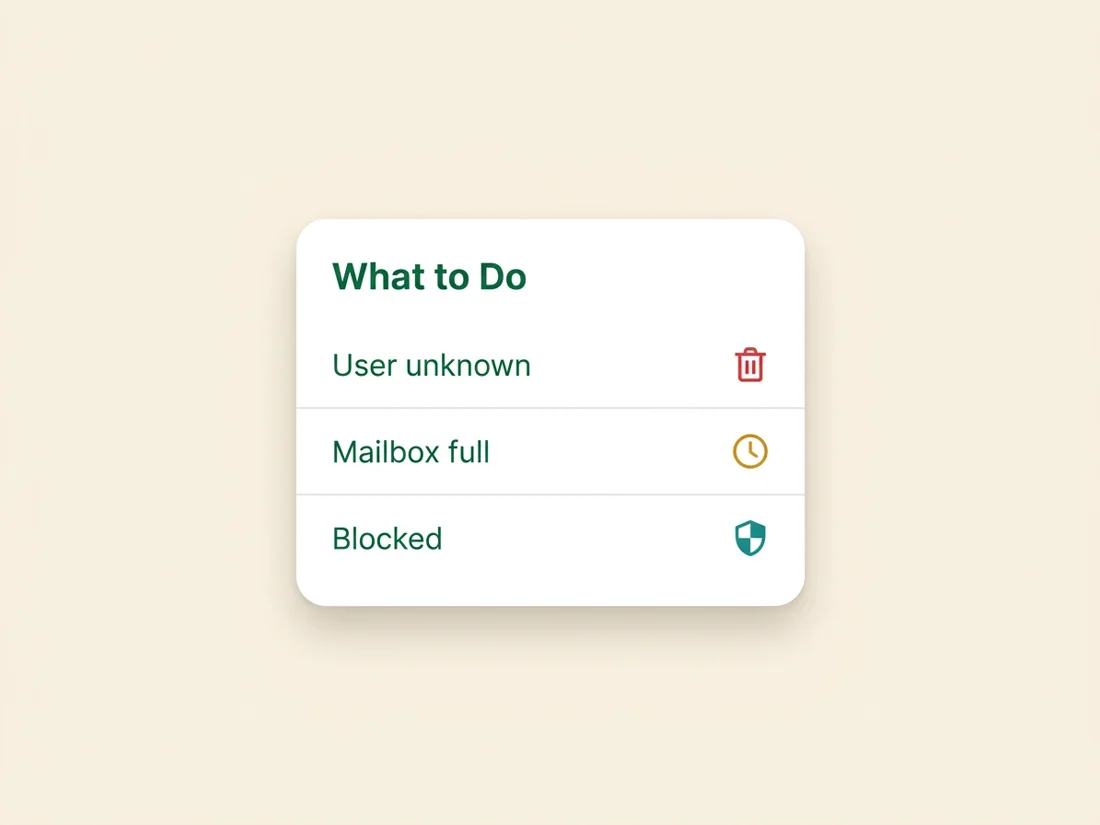
Reading code spikes as diagnosis
Individual codes explain individual bounces; code distributions explain your program. When one code suddenly dominates your bounce log, it names the upstream problem with unusual precision.
- A 5.1.1 spike is a list-quality event. Dead addresses do not appear in bulk spontaneously; either an unvalidated list entered the pipeline, or an old segment aged past its re-validation date. The fix is upstream hygiene, and the decay math behind it lives in our list maintenance guides.
- A 5.7.1 spike is a reputation event. Same list, same content, sudden policy rejections: something changed in how providers score you. Check blocklists first, complaint rates second, and recent sending behavior third; the sudden-onset version of this has its own playbook in why are my cold emails suddenly bouncing.
- A 5.7.26 cluster is a DNS event. Authentication does not degrade gradually; a record got edited, a key rotated wrong, or a new sending source went out unaligned. The fix is minutes of DNS work once you know to look.
- A 421/450 wave is a pacing event. You sent faster than your reputation supports, classically during launches and seasonal peaks. Ramp the volume instead of spiking it, and the wave subsides.
This is the quiet payoff of the whole subject: SMTP error codes turn deliverability from vibes into telemetry. Read one code and you fix one send; read the distribution and you fix the system. SpamCipher works from the same telemetry: warm-up, sending, placement tests and monitoring share their signals in one platform, so the agent that sees a bounce spike can pause the mailbox that caused it, treating every rejection line as data. Decode the codes, automate the reactions, and bounces stop being bad news and start being the instrumentation.
Let the pipeline read the codes for you
Verification before the first send, an agent that throttles or pauses a mailbox when bounces climb, and inbox placement tests on our own seed mailboxes. Unlimited sending on ONE, with per-mailbox caps.
Put bounces on autopilot